
Creating an IAM policy to allow users access to the OVHcloud Control Panel
Learn how to provide a user with the minimum rights to allow them to log in to the OVHcloud Control Panel.
Requirements
- An OVHcloud account
- Knowing how to manage account users
- Knowing how to set up policies for IAM
Instructions
To be able to log in to the OVHcloud Control Panel, a user should have at least this set of rights on the account resource:
account:apiovh:me/getaccount:apiovh:me/certificates/getaccount:apiovh:me/tag/get
With these rights, a user will be able to log in to the OVHcloud Control Panel. To be able to perform any actions inside the Control Panel, additional rights have to be assigned through IAM.
Using the OVHcloud Control Panel
From the OVHcloud Control Panel, navigate to the Policies section via the Identity, Security & Operations menu and click Create a policy.
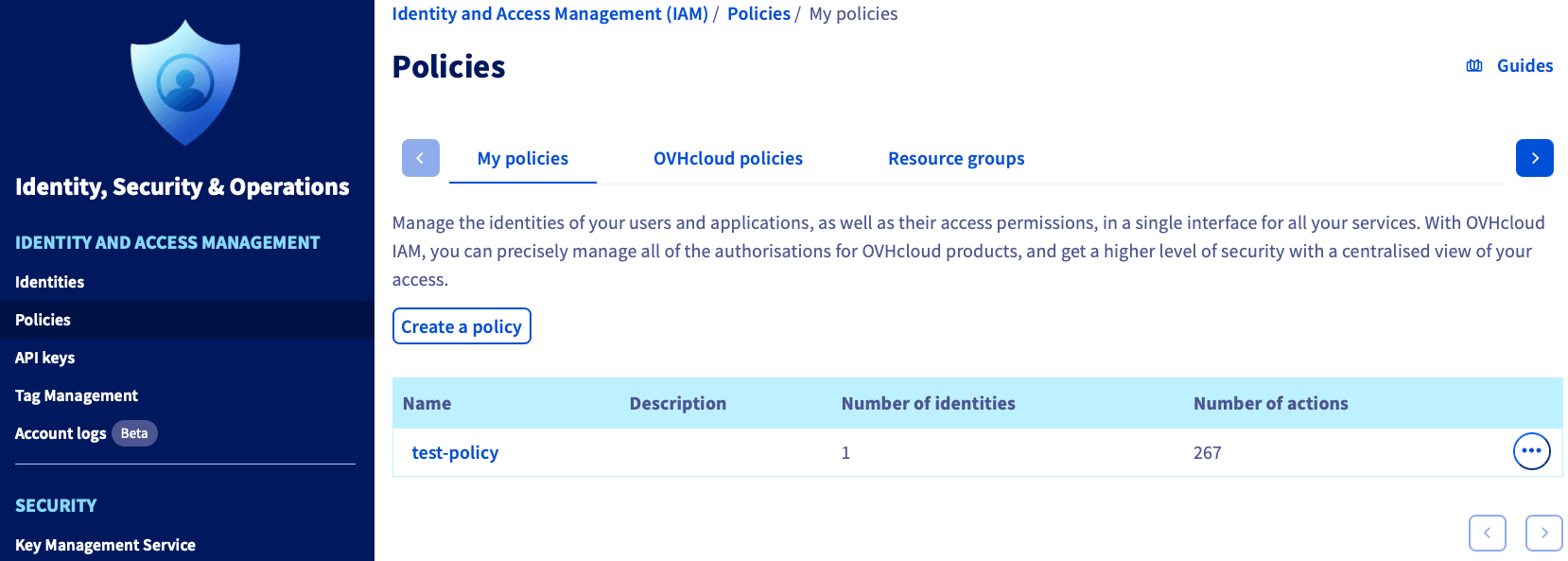
Set up a policy with the following configuration:
-
Provide a Policy name.
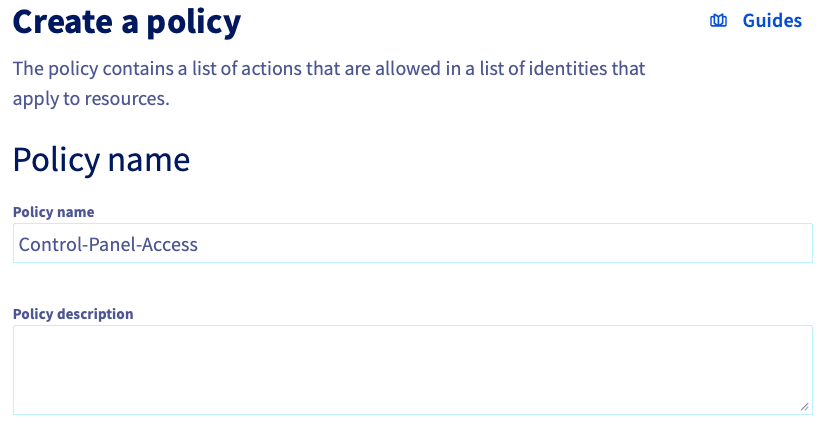
-
Choose
OVHcloud customer accountas the Product type. -
Select your account (i.e.,
xx1111-ovh) as the Resource.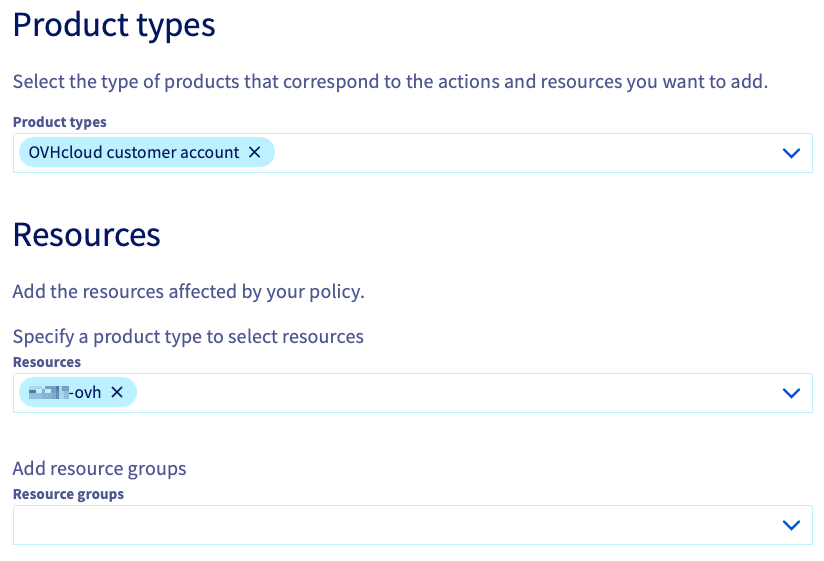
-
Add each of the following three rights as an Action.
account:apiovh:me/getaccount:apiovh:me/certificates/getaccount:apiovh:me/tag/get
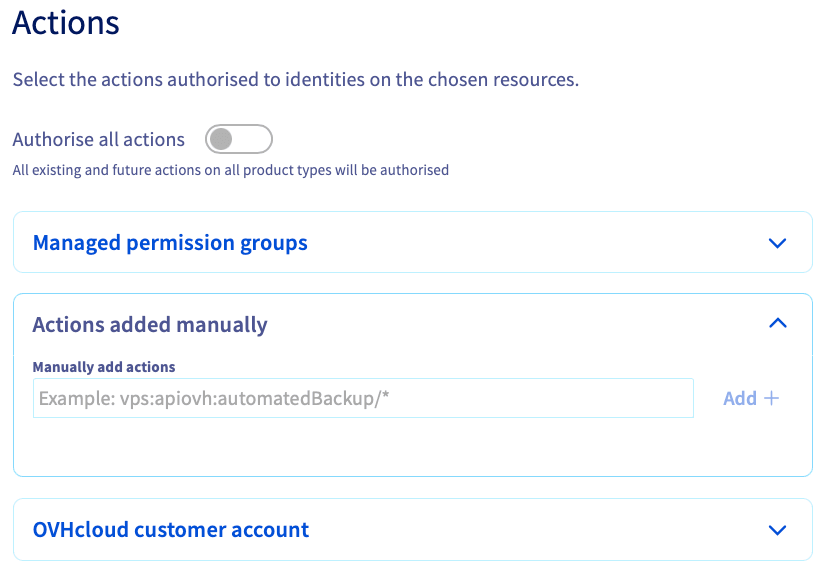
You can now link your users to this policy to give them the right to log in to the OVHcloud Control Panel.
If you plan to use additional policies, it is not necessary to give any additional permissions.
WARNING: Any user with an "ADMIN" role has complete control over your account and services, including:
- Creating services for which you will be charged,
- Deleting services, which is sometimes irreversible,
- Adding or deleting other users with an ADMIN role, and
- Changing the account's contact, billing, and payment information.
Using API
Using the API, you can set up a policy according to the following example:
Go further
Browse all the Account information guides.
Browse the rest of the OVHcloud US documentation for guides on our other products and services.