
Upgrading and downgrading private bandwidth (vRack) via OVHcloud API
Learn how to upgrade or downgrade the public vRack bandwidth for your OVHcloud Dedicated Server via the OVHcloud API.
Requirements
- access to OVHcloud API (to get started, use this guide)
- a Dedicated Server
- a vRack service activated on your account
Instructions
Find available services
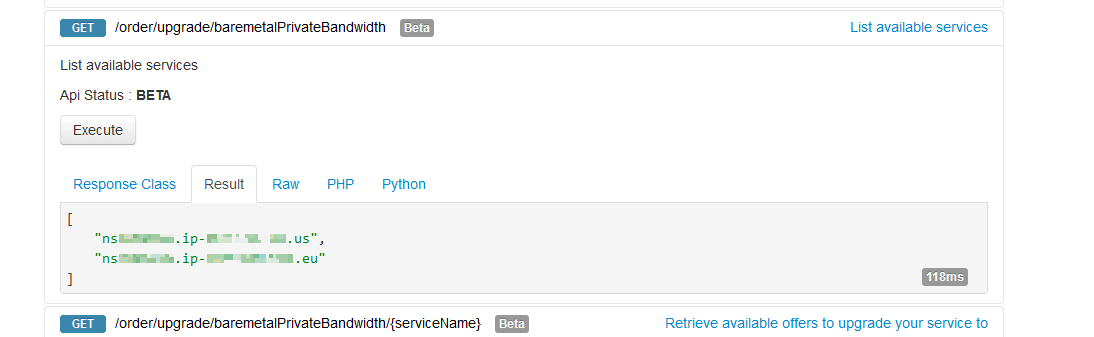
Use the following API call to list all the available services for upgrade (or downgrade) and verify that the service you wish to upgrade/downgrade is listed:
Find the plan code
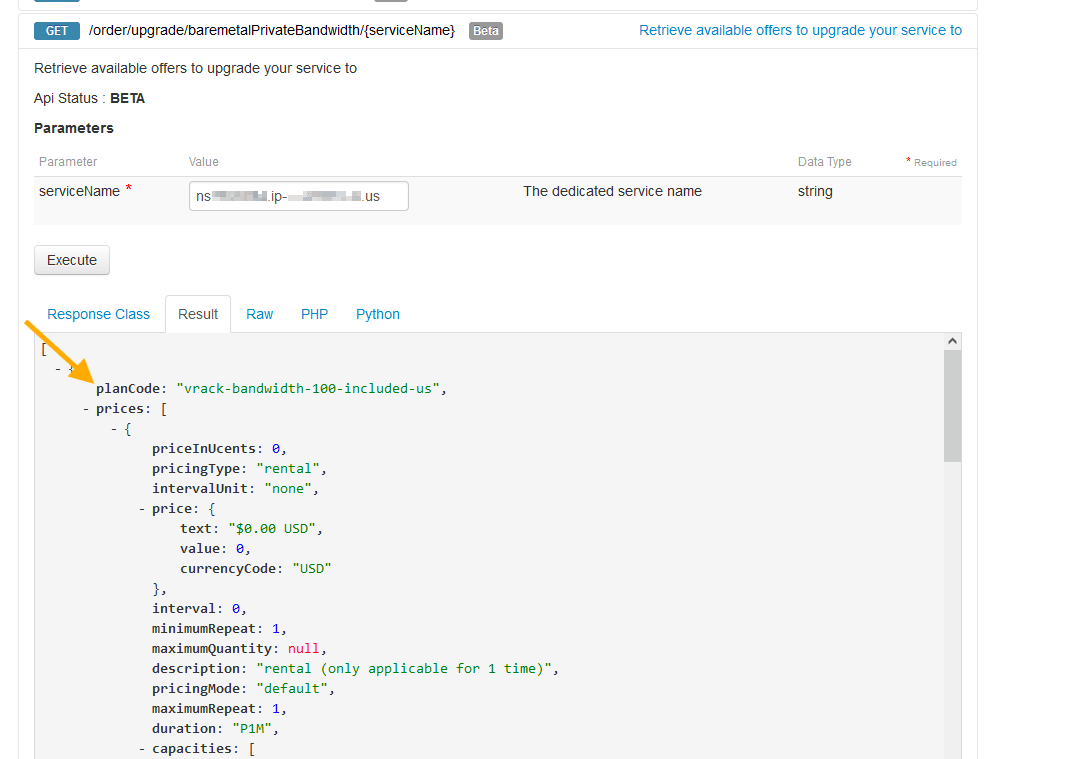
List available offers and find the planCode of your choice with the API call below:
Review your order
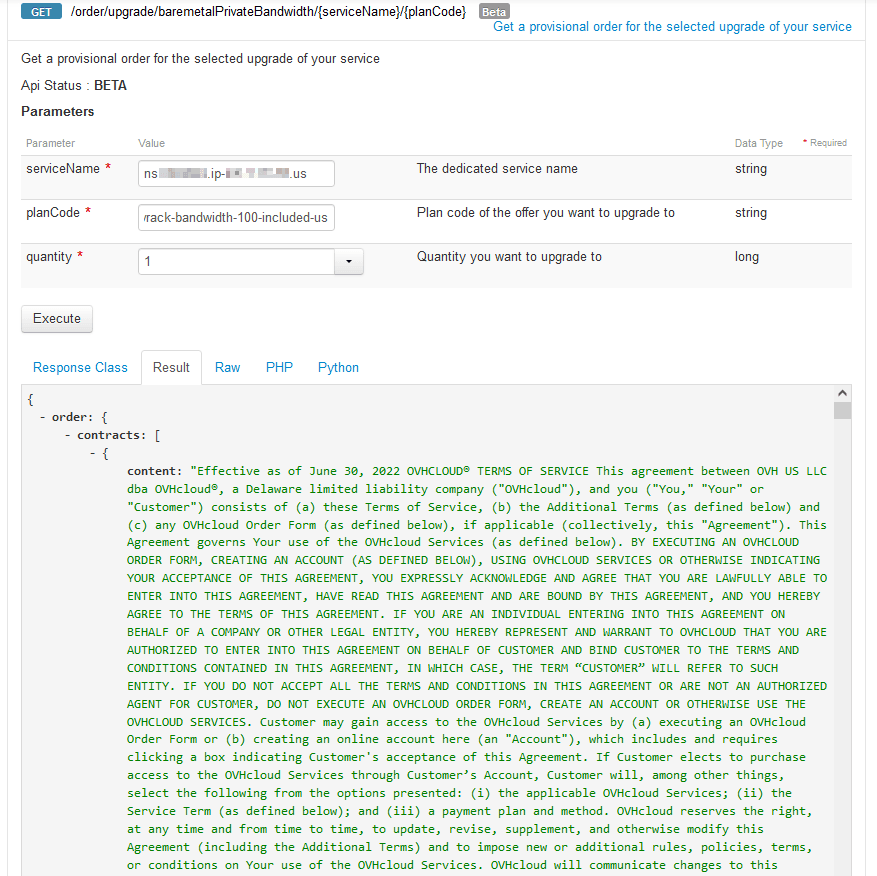
Use the following API call for a preview of your order, including pricing:
Submit your order
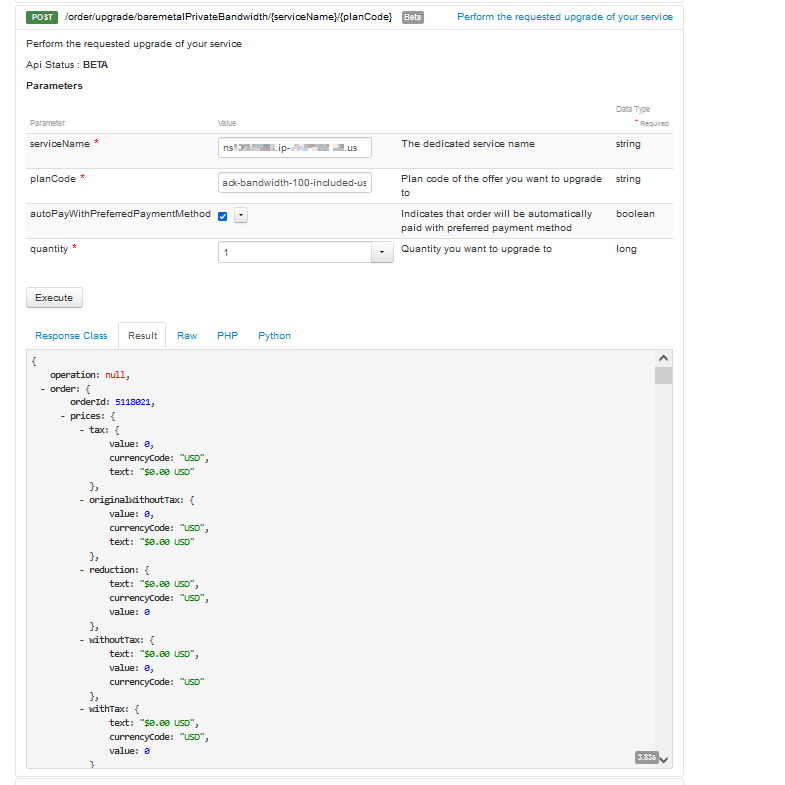
To officially submit the order, use the following API call:
Verify
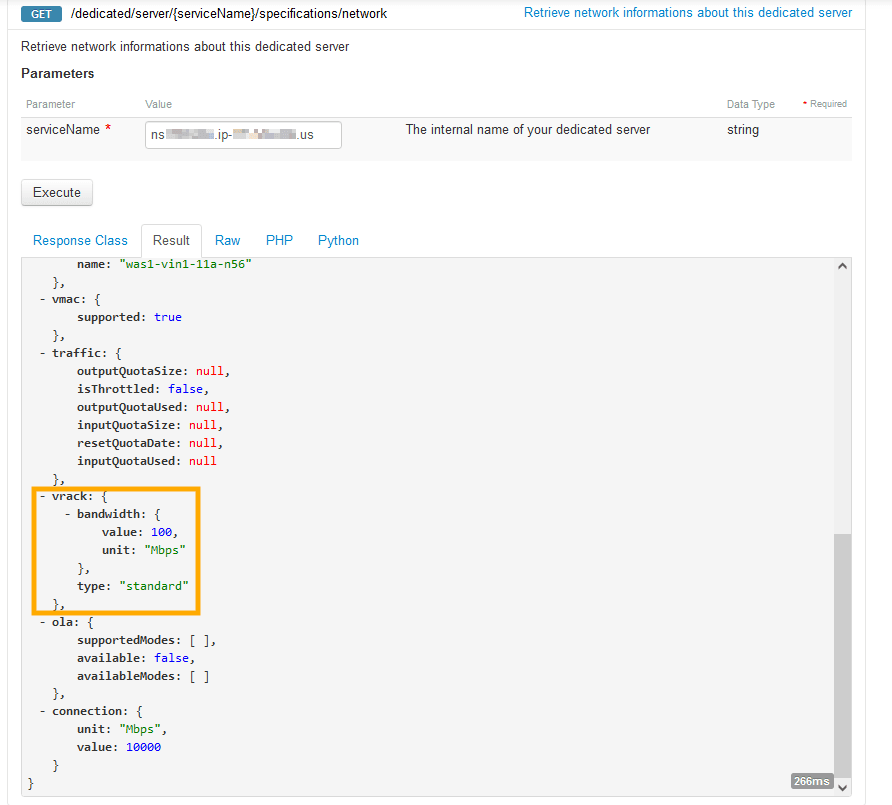
Use the API call below to retrieve the network information of your Dedicated Server:
Go further
Browse all the Dedicated Servers guides.
Browse the rest of the OVHcloud US documentation for guides on our other products and services.
Learn more about Dedicated Servers on the OVHcloud US website.
Article Contributor(s):
- Suhail R