
Restoring a Bare Metal Server with Veeam Enterprise
Learn how to restore a Bare Metal Server using Veeam Backup & Replication (Enterprise).
If you are unable to restore data from a backup, it serves no purpose. After reading this article, you should have a clear process for restoring a Bare Metal Server or an individual file using Veeam Backup & Replication.
Requirements
- Veeam Backup & Replication installed and registered
- Backing Up a Bare Metal Server with Veeam Enterprise
Instructions
There are several options for restoring data on a server. In this guide, we will be showing you "Guest files restore."
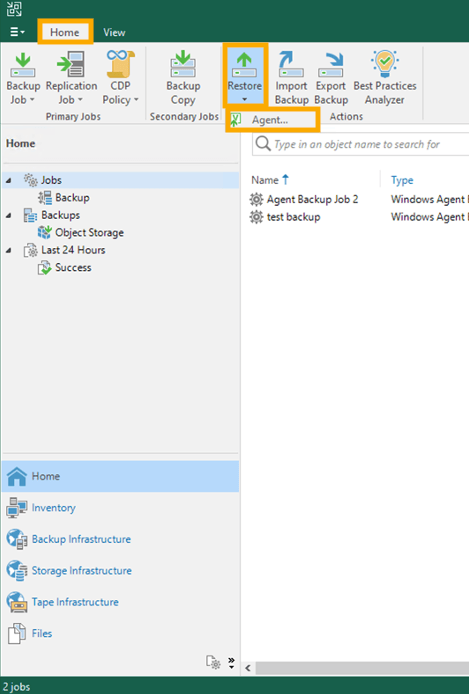
In the Veeam Backup & Replication application, from the Home tab, click Restore and select the Agent... option.
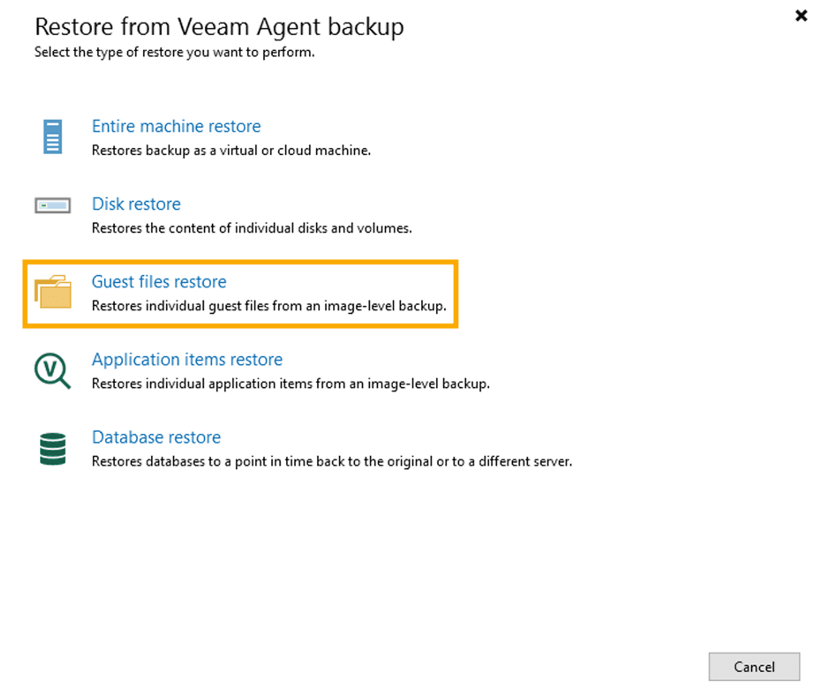
In the pop-up window, select Guest files restore.
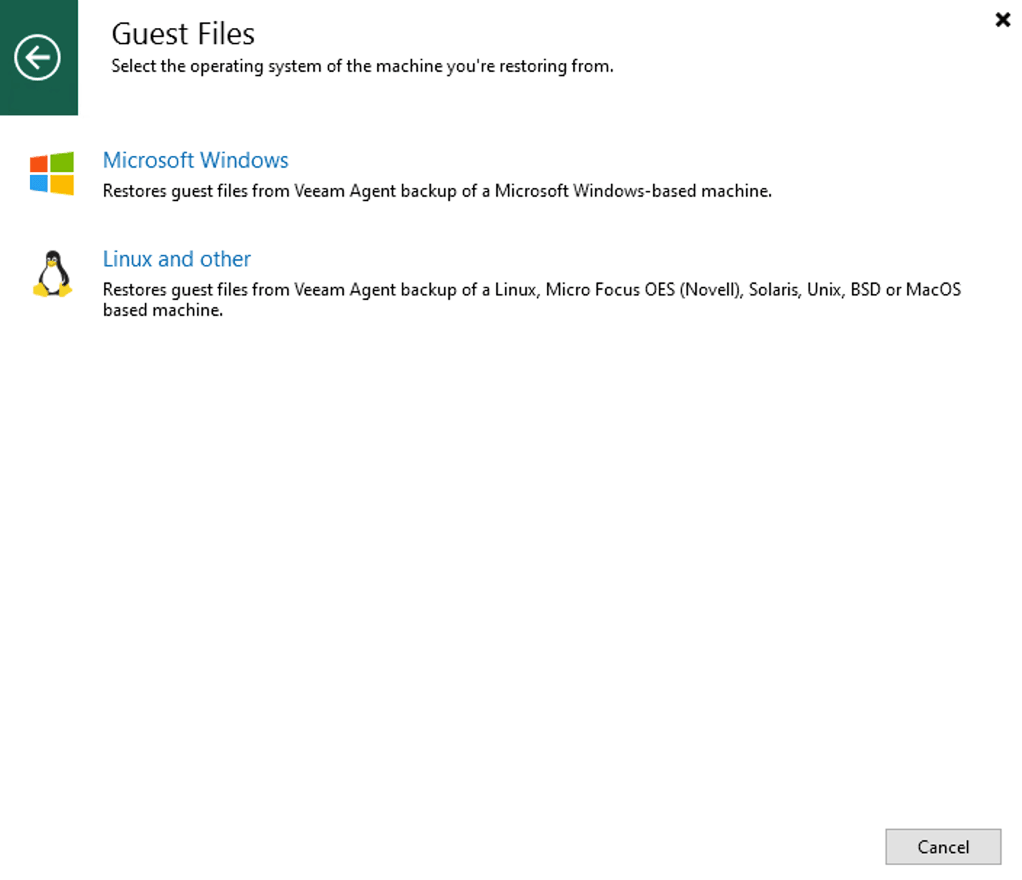
Choose the operating system of the machine from which you are restoring.
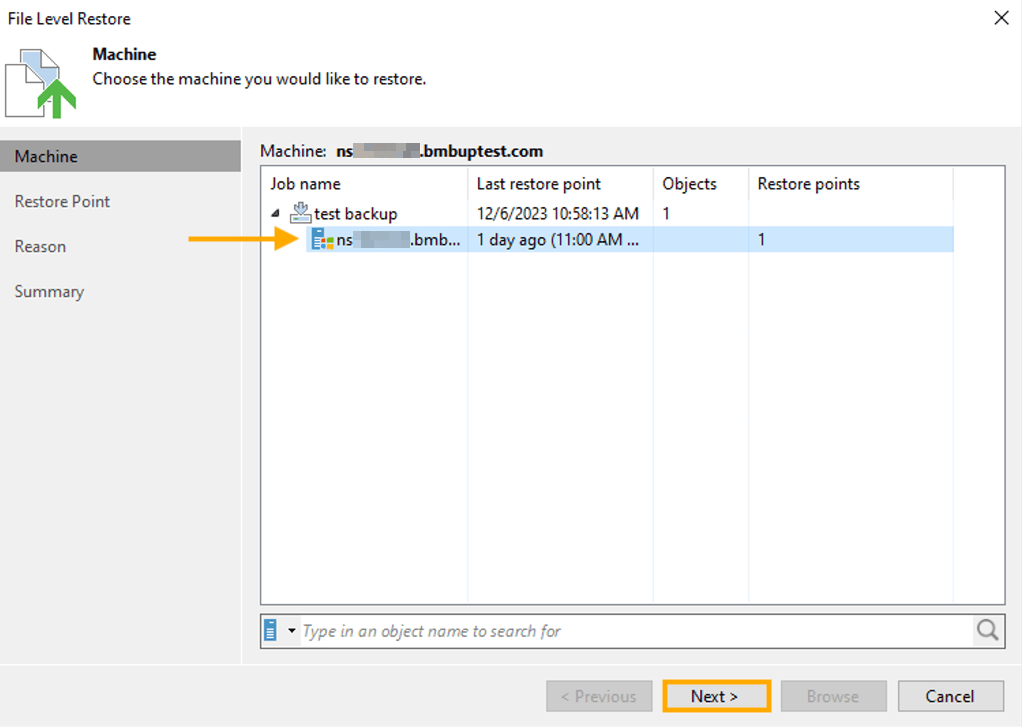
Select the Machine that has the files you wish to restore. Click the Next button.
Choose the Restore Point from which to restore the files. Click the Next button.
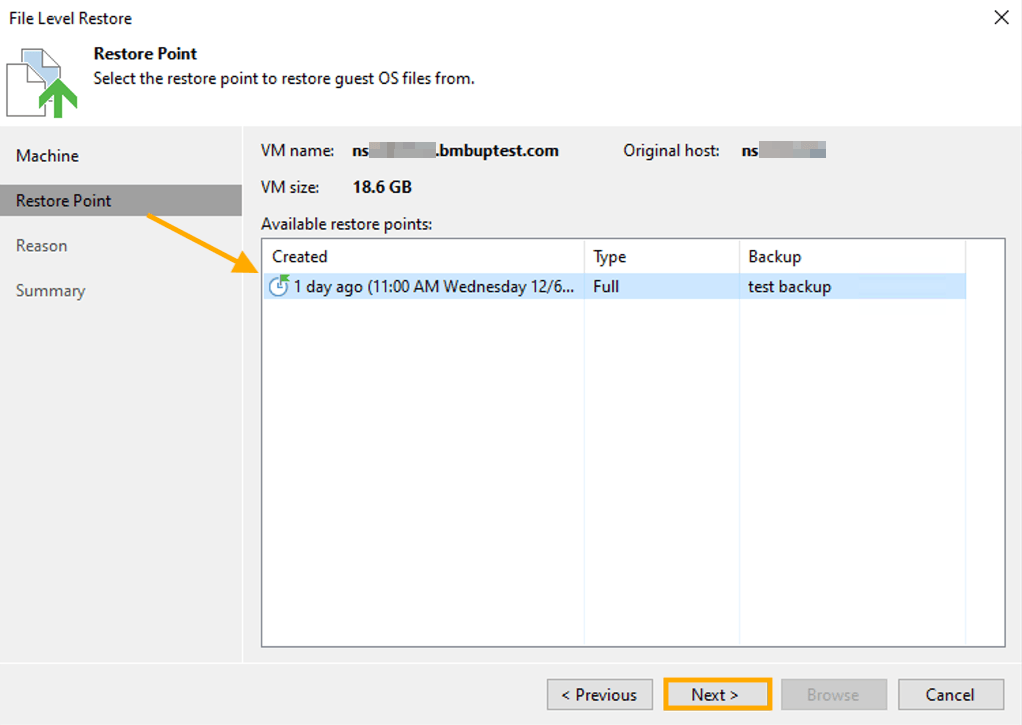
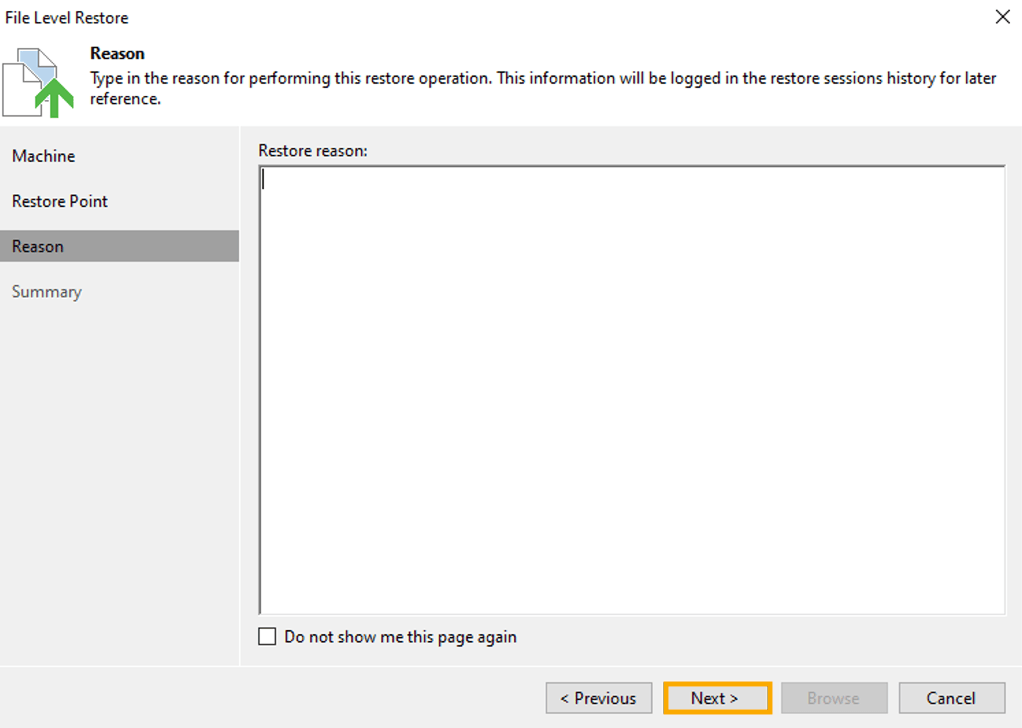
Enter the Restore reason. Click the Next button.
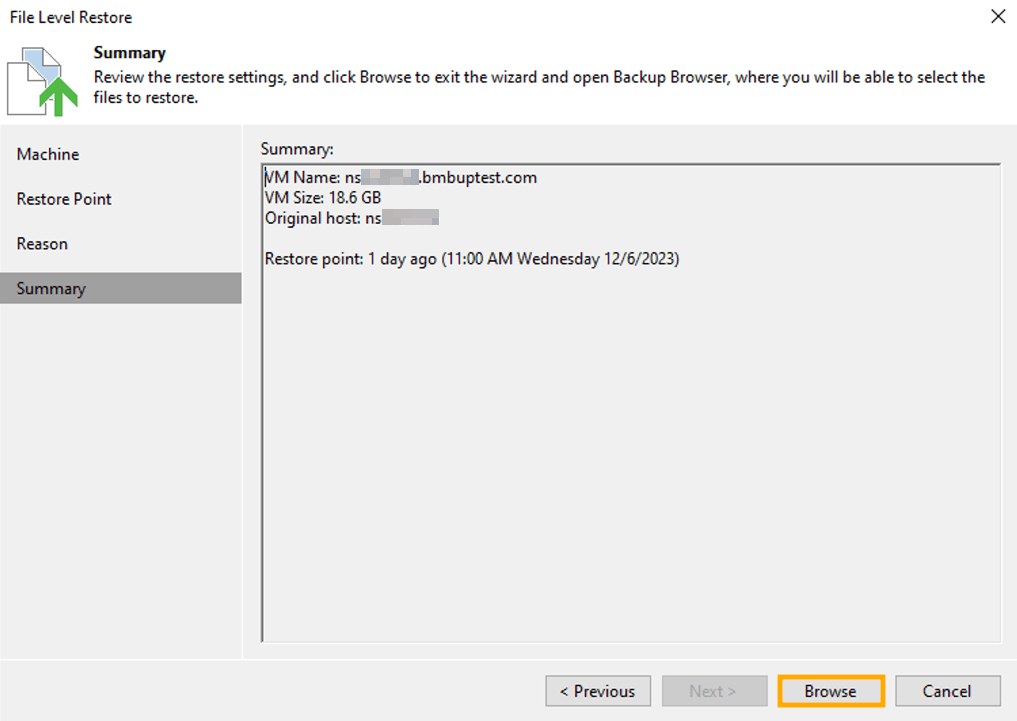
At the Summary section, click the Browse button.
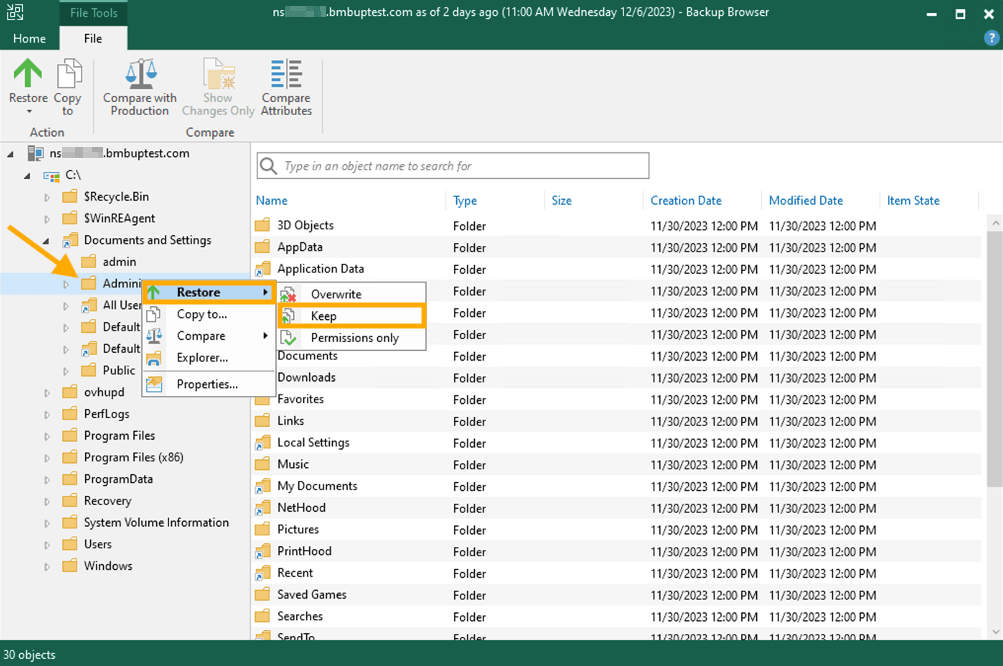
Navigate through the browser and choose the file or files that you wish to restore. Once you have selected a file(s), right-click on one of them, hover your mouse over Restore, and select Keep.
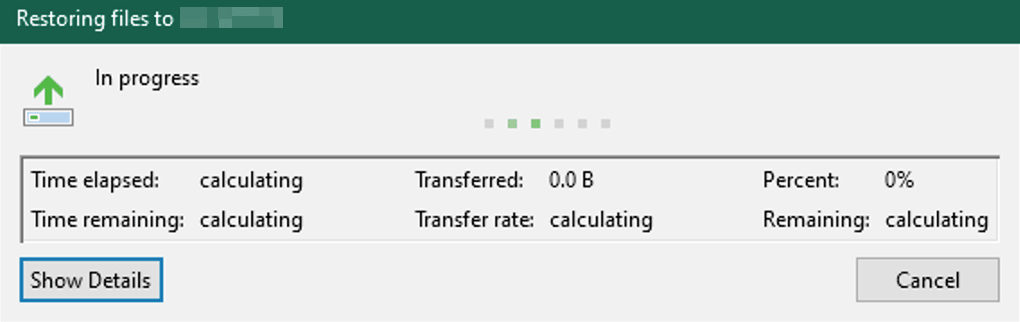
A pop-up window will appear that displays the progress of the restore. Once the progress is complete, the file has been restored and you can close the "Backup Browser" window.
Go further
Browse all the Dedicated Servers guides.
Browse the rest of the OVHcloud US documentation for guides on our other products and services.
Learn more about Dedicated Servers on the OVHcloud US website.