
Access and security settings in Horizon
Learn about the access and security settings available in the OpenStack Horizon interface.
The OpenStack Horizon interface provides options to configure access to your instances and other services.
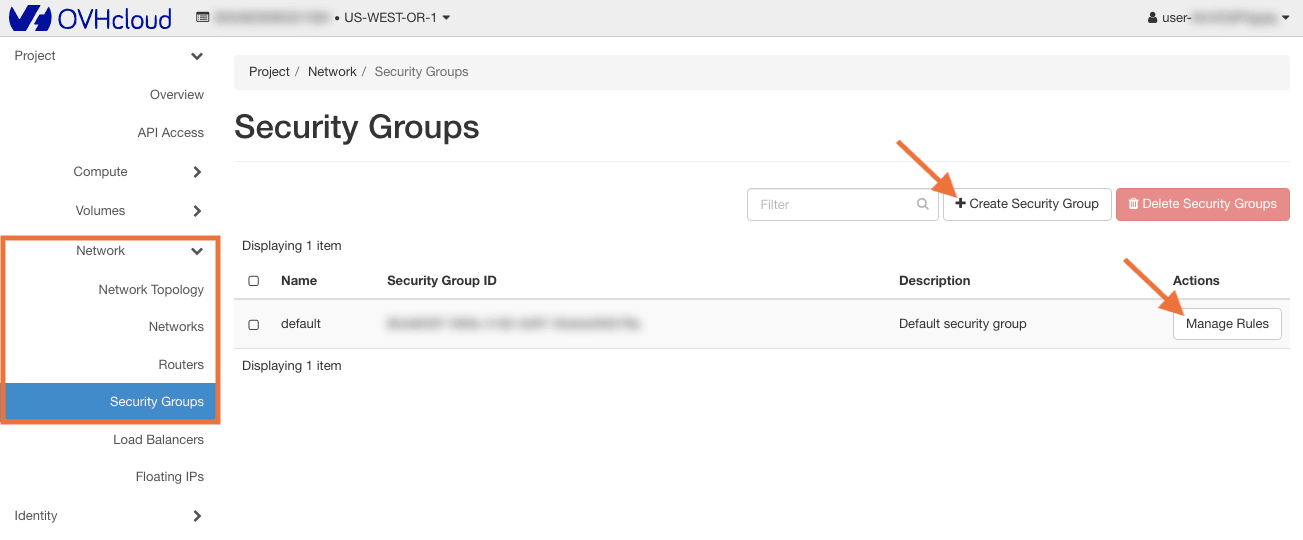
For example, you can define security groups to filter incoming and outgoing connections or download an OpenRC file containing the credentials for the OpenStack API.
Requirements
Instructions
Log in to the Horizon interface.
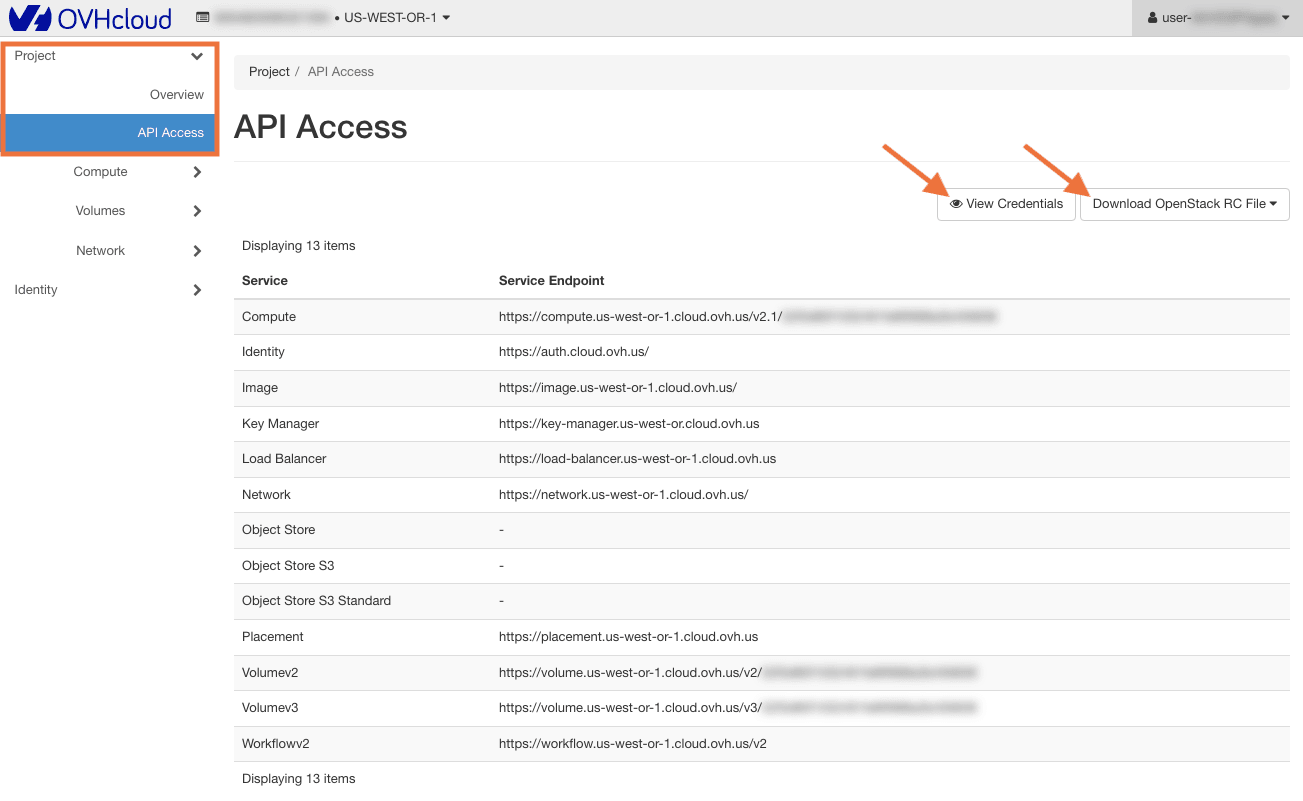
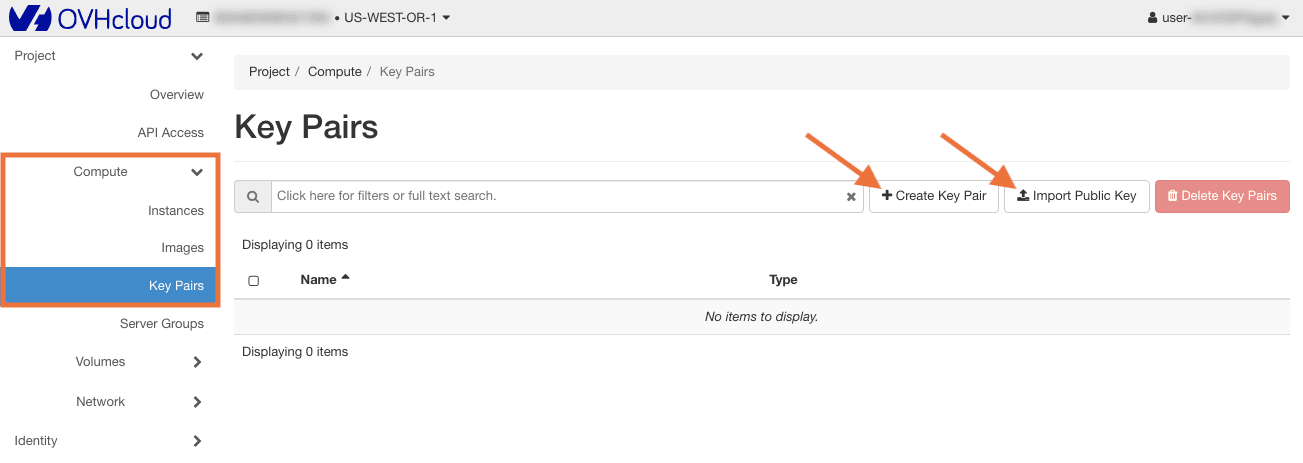
The access and security settings consist of the following sections, accessible via the left-hand menu:
The API Access table lists the service endpoints of the OpenStack API.
To review the access values to use with the API, click on View Credentials.
Clicking on the button Download OpenStack RC File opens a drop-down menu from which you can choose the appropriate RC file to download.
Go further
Browse all the Public Cloud - General information guides.
Browse the rest of the OVHcloud US documentation for guides on our other products and services.
Learn more about Public Cloud on the OVHcloud US website.