
Dedicated servers - Get to know the OVHcloud Control Panel
OVHcloud Dedicated Servers offer our customers an environment with resources entirely dedicated to their use. These servers are ideal for hosting websites, email, and a variety of other applications. You can manage all of your OVHcloud servers from the OVHcloud Control Panel.
Topics
- Navigating to your dedicated server
- General information
- Network interfaces
- Secondary DNS
- Interventions
- IPMI/KVM
- Tasks
- Tags
Instructions
NOTE: Some options shown below may not be available on Eco servers (RISE, Kimsufi, and So You Start).
Navigating to your dedicated server
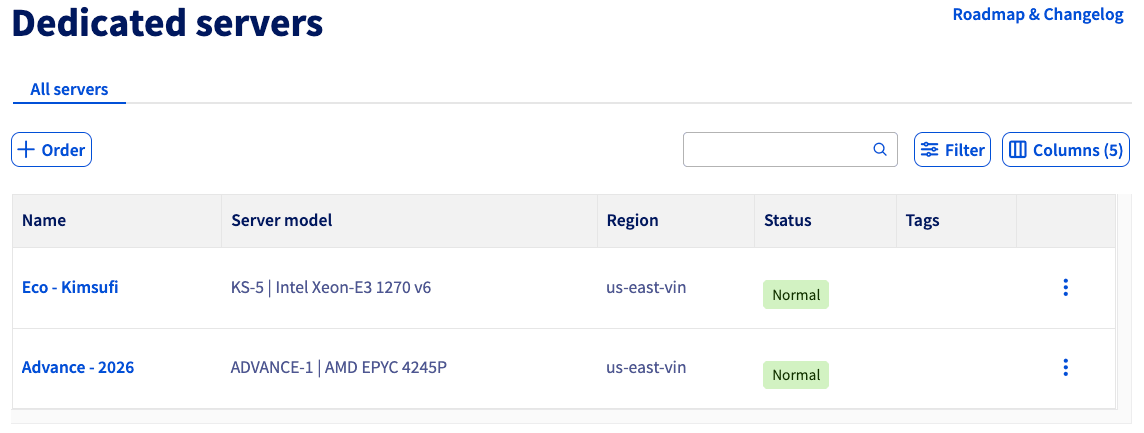
From the OVHcloud Control Panel, select your server via the Bare Metal Cloud and Dedicated servers menus. From here, you can see further details about your service by clicking its name or by clicking the more options ... button and selecting Details.
You can also Filter your results and customize the Columns displayed.
General information
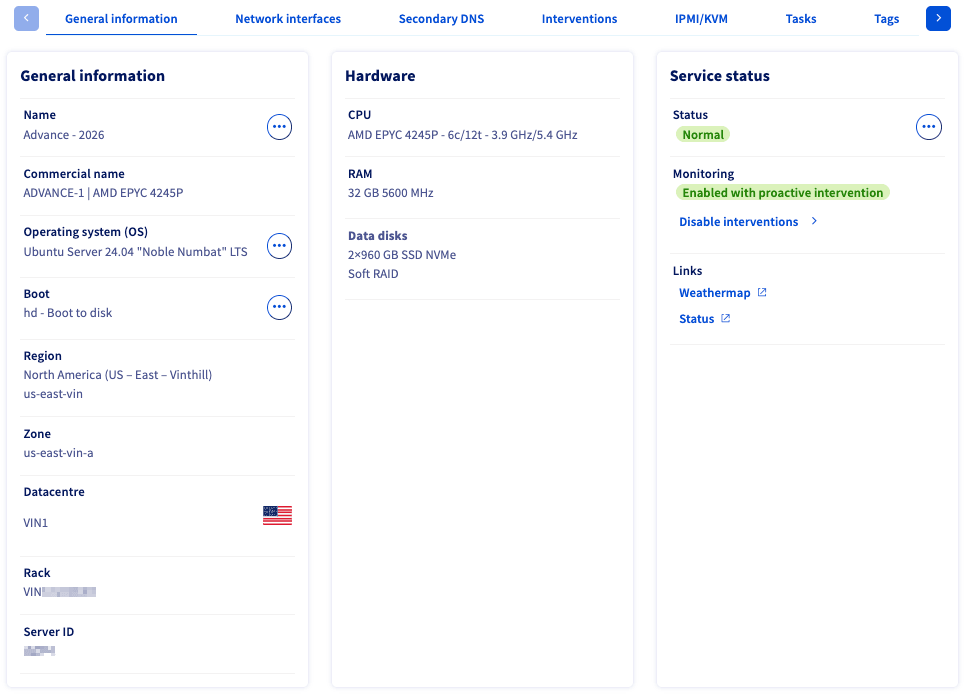
Once you have selected your server, you will be taken to the General information tab, where you will see several panels. Each panel contains further details about your server, such as hardware, service status, and more.
In the General information panel, you will see details about the name, operating system, and boot mode for your server. You can also see location-based information about your server.
From here you can:
To get the internal name of your dedicated server via the OVHcloud API, you can use the following call:
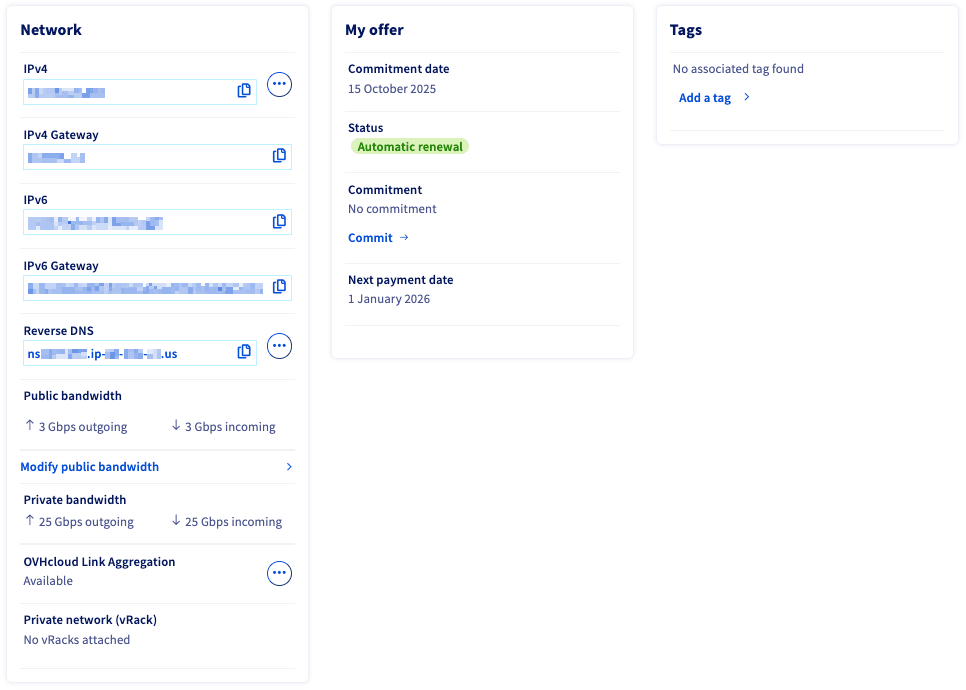
If you scroll down further, you will see more panels.
In the Network panel, you will find IPv4 and IPv6 addresses assigned to the server. You can also navigate to the "IP" section of the OVHcloud Control Panel and set up reverse DNS. For more information about reverse DNS, please check out our How to Configure Reverse DNS article.
To find the IP section: In the OVHcloud Control Panel, select Network in the left-hand navigation menu. Then click IP. For information about Additional IPs, see this guide.
Network interfaces
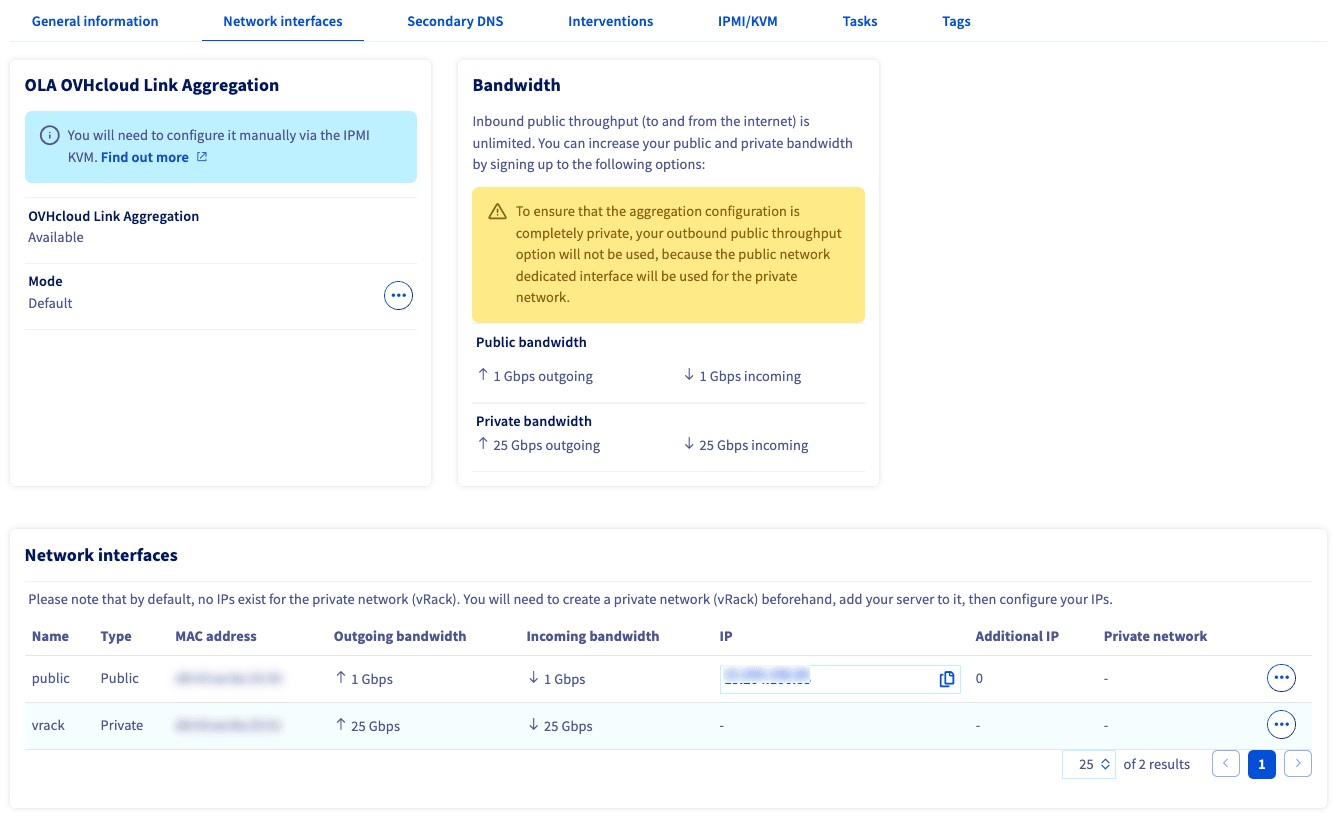
From the Network interfaces tab, you can manage OVHcloud Link Aggregation. To learn more about OVHcloud Link Aggregation, click this link.
Secondary DNS
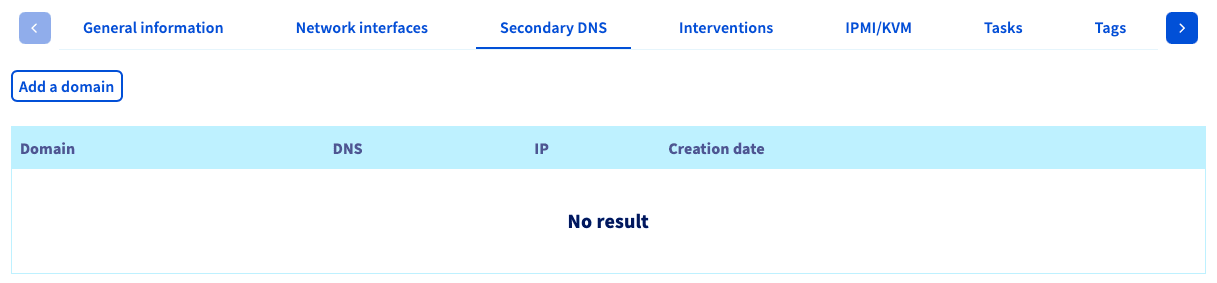
A Dedicated Server with OVHcloud allows you to leverage our infrastructure to host secondary DNS.
For more information about secondary DNS, please check out our How to Configure Secondary DNS article.
Interventions
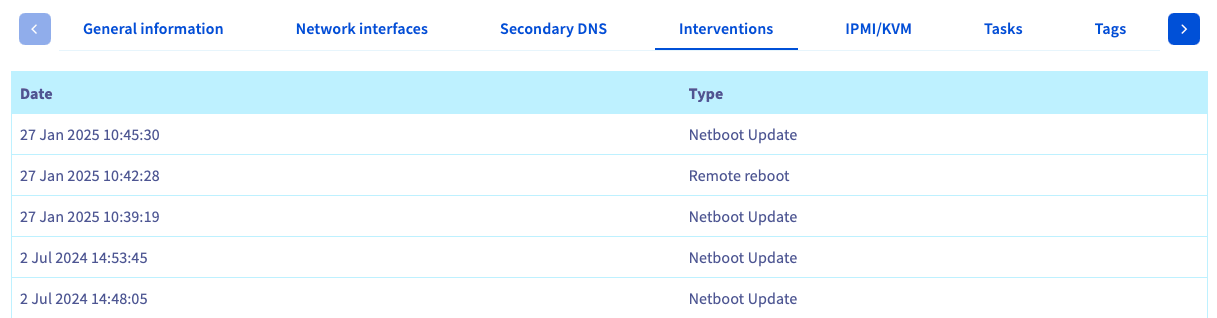
Here, you view a history of the work (i.e., an intervention) that a data center technician has performed on your server. The type of work and when it was carried out will be listed. You can learn more about inventions in this guide.
IPMI/KVM
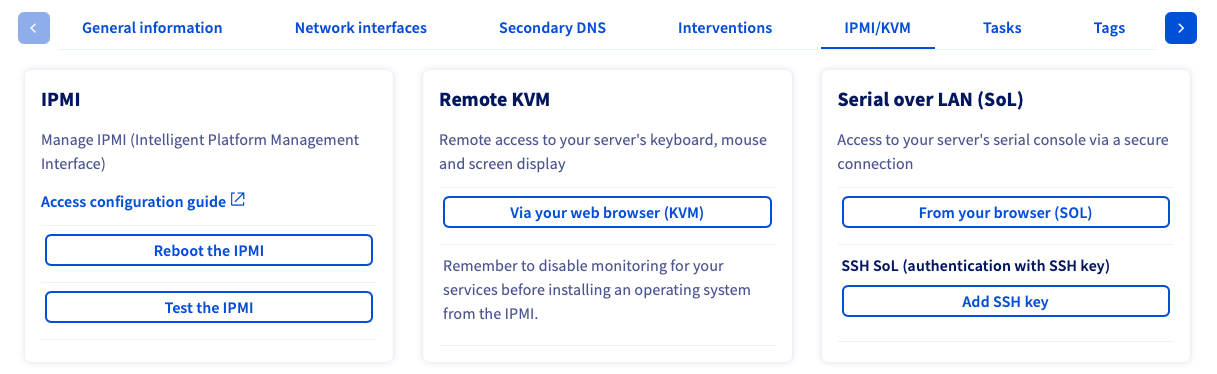
If your server offers IPMI capabilities, you will see options to download a Java applet and/or HTML applet, which allows you to access your server via a remote KVM session. If IPMI is not offered with your dedicated server, this screen will be blank.
For more information about IPMI, please check out our How to use IPMI article.
Tasks
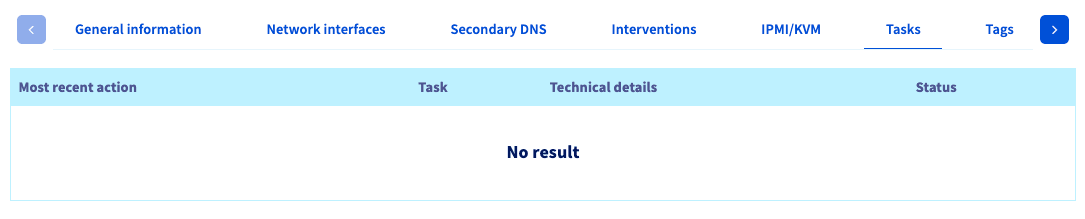
This tab will track various tasks performed on your server, such as hard reboots, changing the boot mode, etc. It is a high-level log to help you administer your server.
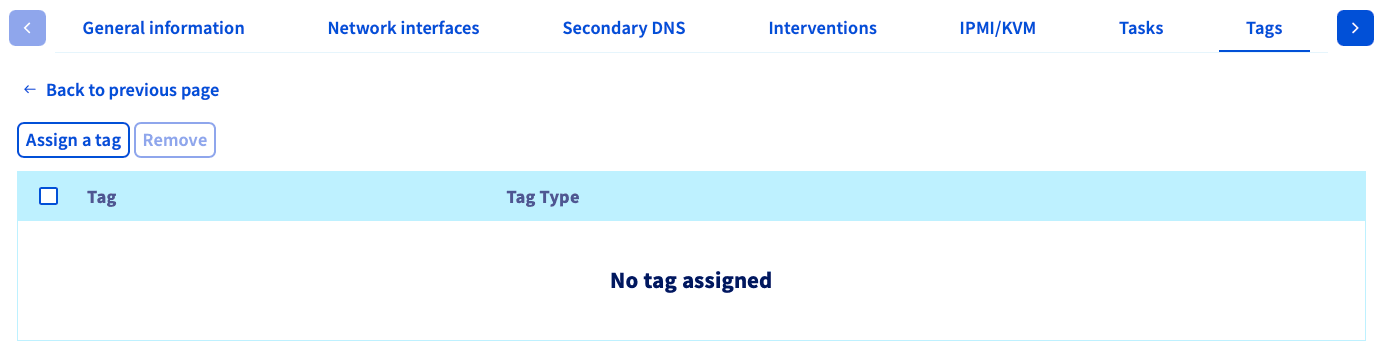
Tags
The tags tab is where you can create and view your tags. To learn more about tags, see this guide.
Go further
- OVHcloud account management FAQ
- Purchasing and managing licenses
- Dedicated Server network configuration guides
- OVHcloud network guides
Browse all the Dedicated Servers guides.
Browse the rest of the OVHcloud US documentation for guides on our other products and services.
Learn more about Dedicated Servers on the OVHcloud US website.