
Introducing Horizon
Discover the main sections of the Horizon interface.
The Horizon interface, natively offered with OpenStack, has been adapted by OVHcloud to offer additional features than those available in the OVHcloud Control Panel.
Requirements
-
A Public Cloud project in your OVHcloud account
-
[Optional since September 2023] An OpenStack user created in your project. This step is optional because we have deployed Single Sign-On (SSO) authentication between the OVHcloud Control Panel and Horizon.
InfoA user must log in using the OpenStack credentials to manage Local Zones.
Instructions
Logging in to OpenStack Horizon
Open the Horizon login page and enter the OpenStack user credentials previously created, then click on Connect.
You can also click on Horizon in the left-hand menu under "Management Interfaces" after opening your Public Cloud project in the OVHcloud Control Panel.
Datacenter region selection
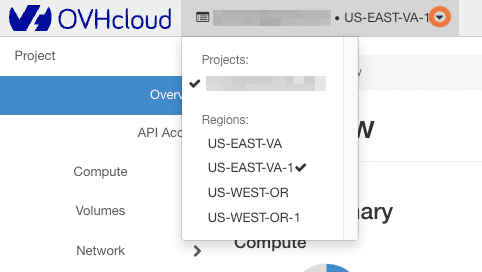
Unlike the OVHcloud Control Panel, Horizon separates your services according to their region. You can choose the region from the menu in the top left-hand corner:
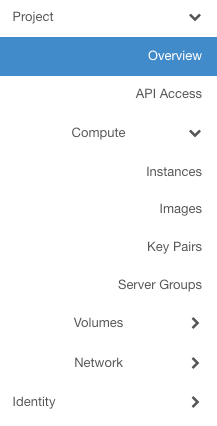
Left side menu
This menu allows you to quickly navigate through the project and its various features.
Overview
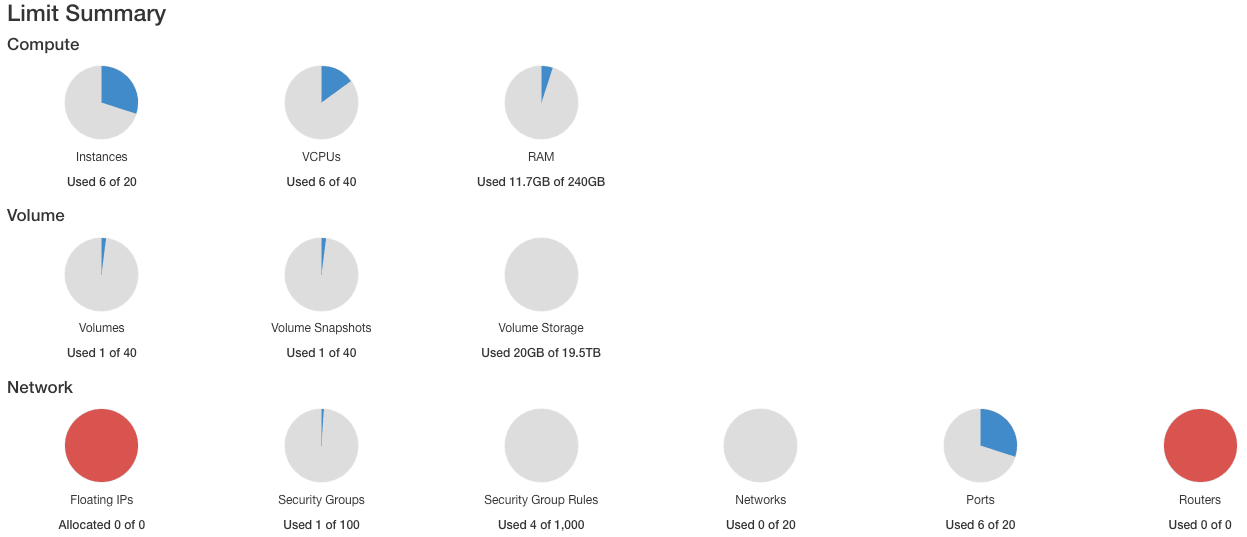
- Limit Summary
Horizon provides a summary of quotas, which allows you to see the used and available resources for your projects:
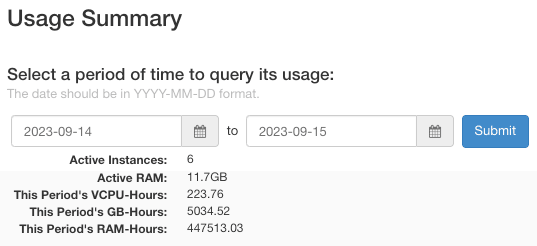
- Usage Summary
Next is a summary of the use of your project instances. The search period can be customized to restrict this summary to a desired period.
- Usage
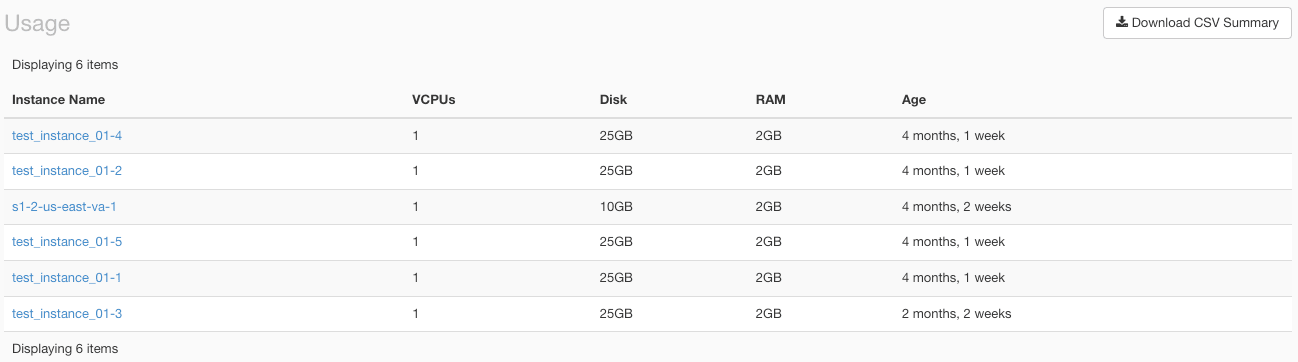
A summary of your usage is also available. This is a summary of the various services associated with the project, such as the list of instances.
The summary is downloadable in CSV format, which allows you to extract the information so that you can analyze it via other tools. Simply click on Download CSV Summary.
Compute
- Instances
Use this page to list and manage instances. For example, you can create new instances, pause them, access the instance console, and much more.
- Images
Use this menu to list and manage images, i.e. templates and snapshots associated with your project.
- Key Pairs
Here you can list and create your SSH keys for connecting to your instances.
- Server Groups
This feature allows you to group servers according to a certain policy.
Volumes
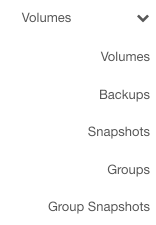
Use this menu to list and manage volumes, backups, snapshots, groups, and group snapshots.
Network
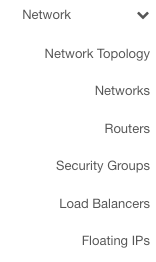
List and manage your networks, routers, security groups, load balancers, and floating IPs here.
Identity
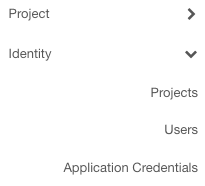
Use this menu to list information about your projects.
User menu
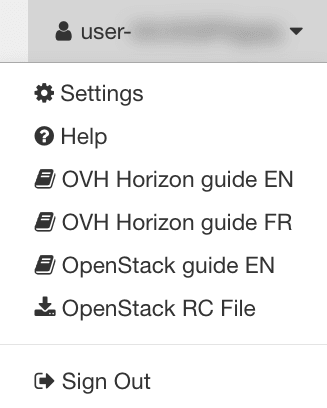
In the top right-hand corner of the Horizon interface, a user menu allows you to:
- Change interface display settings.
- Access Horizon and OpenStack guides.
- Download an OpenRC file containing your user IDs.
- Log out of the Horizon interface.
Go further
Browse all the Public Cloud - General information guides.
Browse the rest of the OVHcloud US documentation for guides on our other products and services.
Learn more about Public Cloud on the OVHcloud US website.