
How to restrict local users from billing information in the OVHcloud Control Panel
Requirements
- An OVHcloud Control Panel account
Instructions
Create a group with no rights
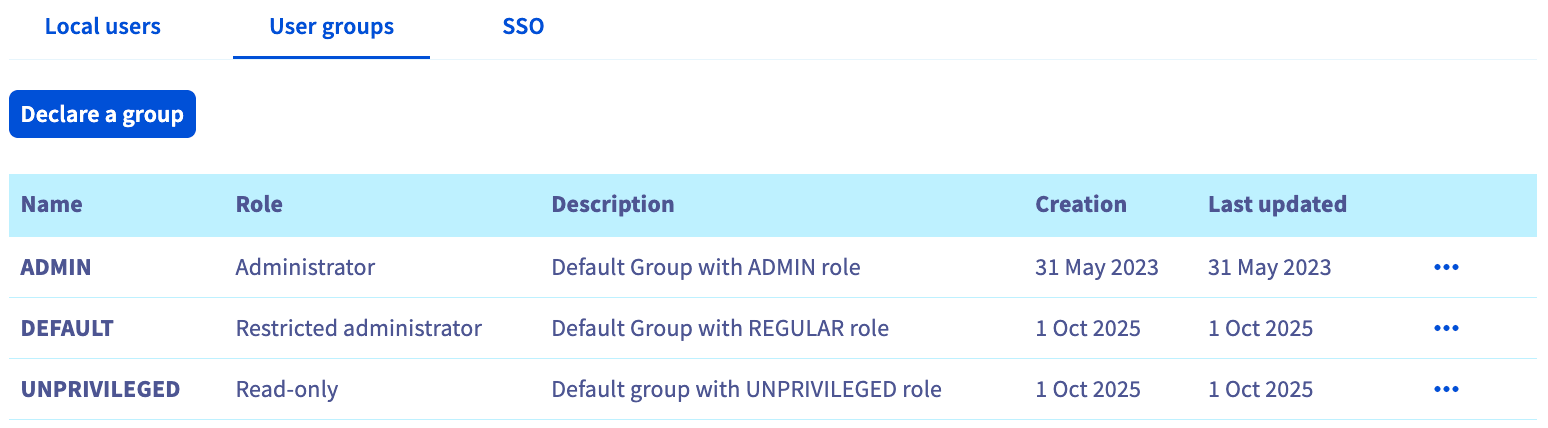
Navigate to the Identities menu in your OVHcloud Control Panel and select the User groups tab.
Click Declare a group.
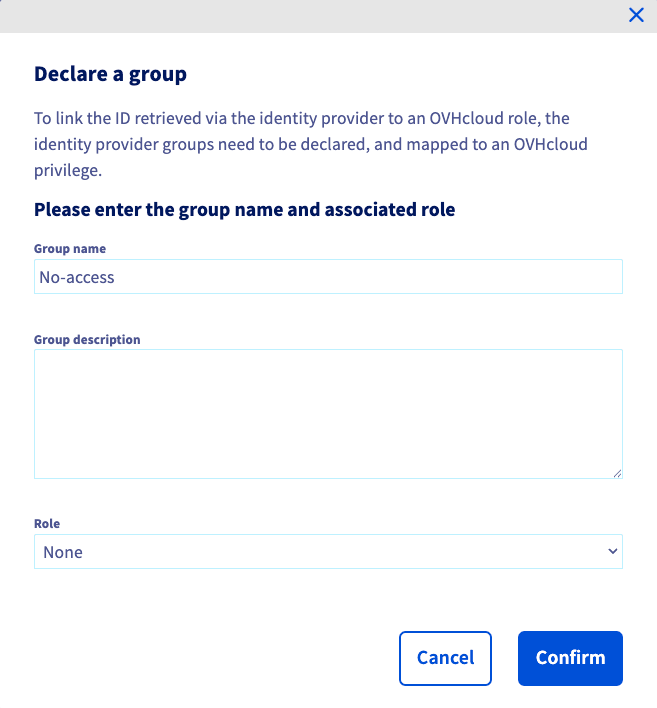
Enter a Group name (a Group description is optional) and set the Role to None, and then click Confirm.
Assign user(s) to the group
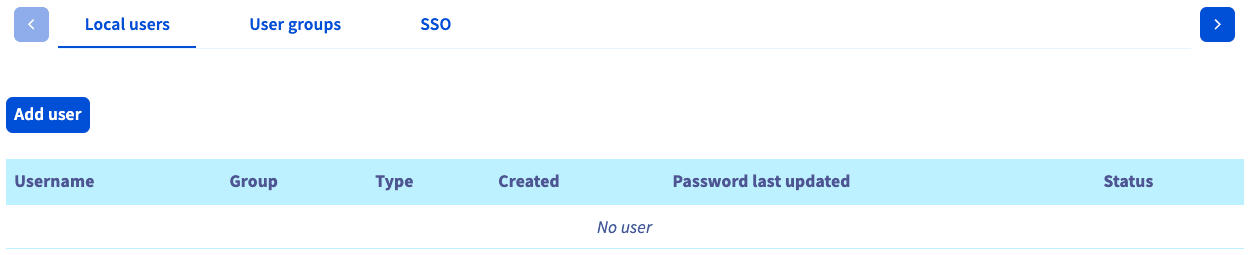
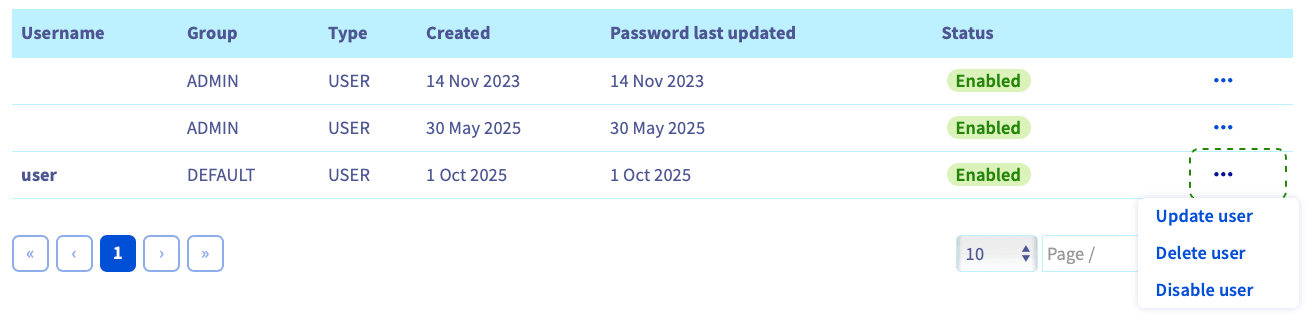
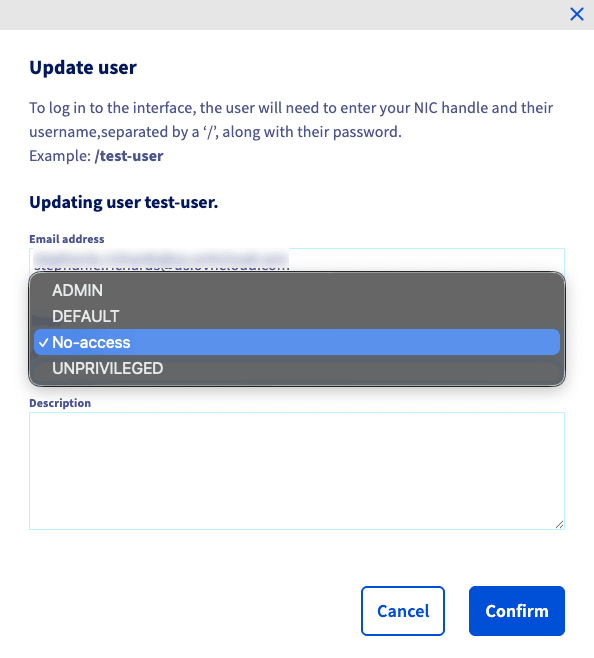
In the Local users tab, click Add user.
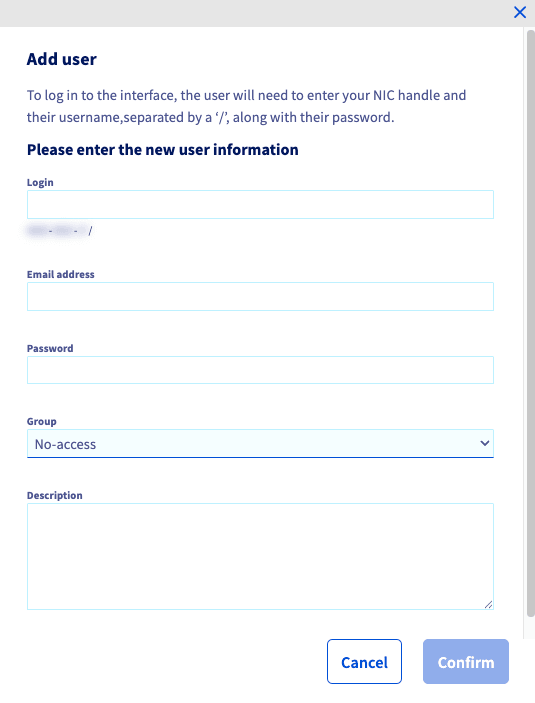
Fill in the fields, select the Group you created in the previous step, and click Confirm.
Create the policy
Please follow this guide to create your policy, while taking note of the following modification:
When creating the policy, under the Identities heading, link the the User group created in the first step of this guide.
Allowing users to see and use your services
To allow your local users to access your services again (without overriding the policy created above), you will need to create one or more new policies and carefully select the Actions to authorize.
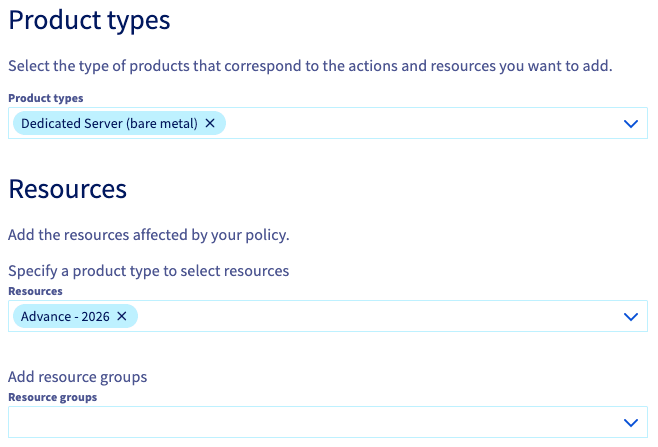
Below is an example for allowing access to a dedicated server:
-
Select the Product types and Resources you want your users to be able to read and/or use.
-
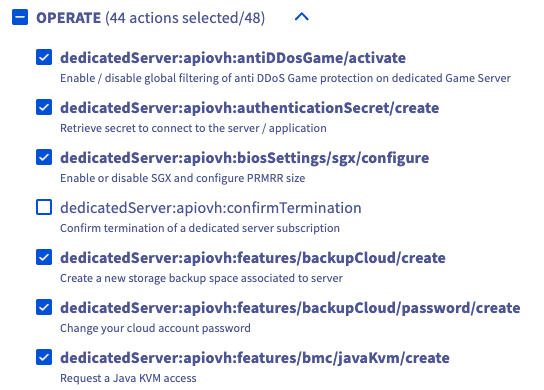
Scroll down to the Actions section and authorize all actions in for the Product type (e.g., Dedicated Server) except
dedicatedServer:notification:receive/billingunder NOTIFICATION.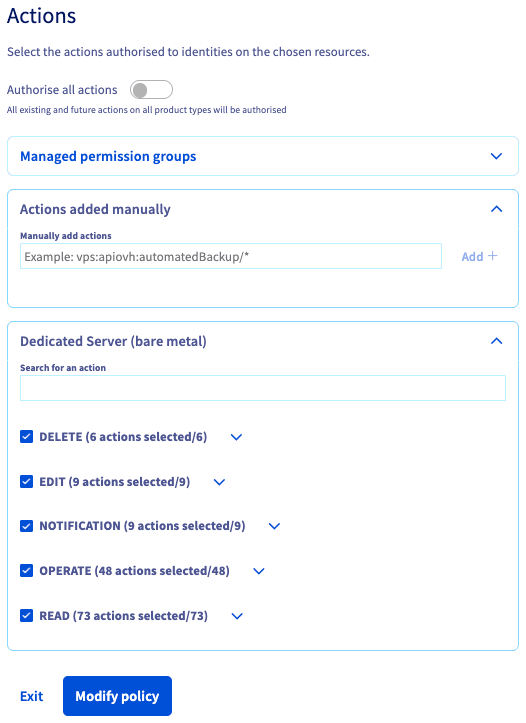
NOTE: If you want to restrict the user from ordering or deleting services, you can unselect those actions from the list. Using CTL+F to search for terms, such as "order," "cancel," "terminate," and "bill," can be useful in finding those actions in the lists.
Go further
Browse all the Account information guides.
Browse the rest of the OVHcloud US documentation for guides on our other products and services.