
Key Management Service - Pushing logs to Logs Data Platform
Requirements
- An OVHcloud customer account
- An OVHcloud KMS ordered, and an access certificate created
- A Logs Data Platform service with at least one data stream created
Instructions
Description
OVHcloud KMS has a native integration with Logs Data Platform for logs management.
Logs direct access
From the OVHcloud Control Panel, navigate to your Key Management Service via the Identity, Security & Operations menu.
Once there, click the Logs tab.
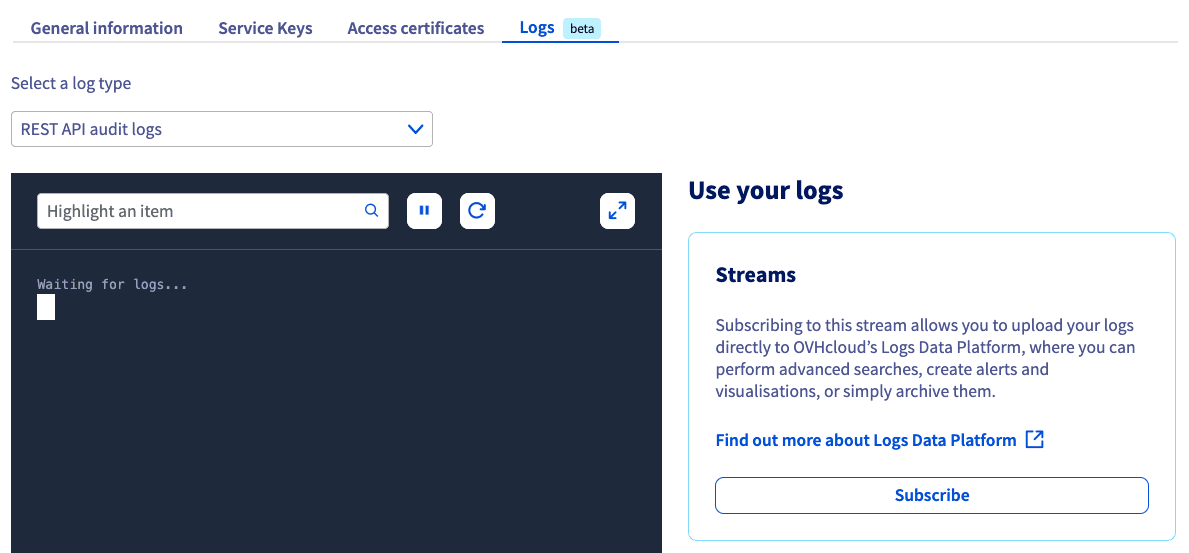
This tab displays all KMS logs in real time. A selector allows you to switch the display between the two types of logs:
- REST API audit logs.
- KMIP audit logs.
Logs access through LDP
From the Logs tab, you can Subscribe to an LDP data stream. Once the subscription is enabled, all the logs will be pushed to Logs Data Platform to archive generated logs and perform advanced searches, and create alerts or visualizations.
For more information, please refer to our Quick Start for Logs Data Platform guide.
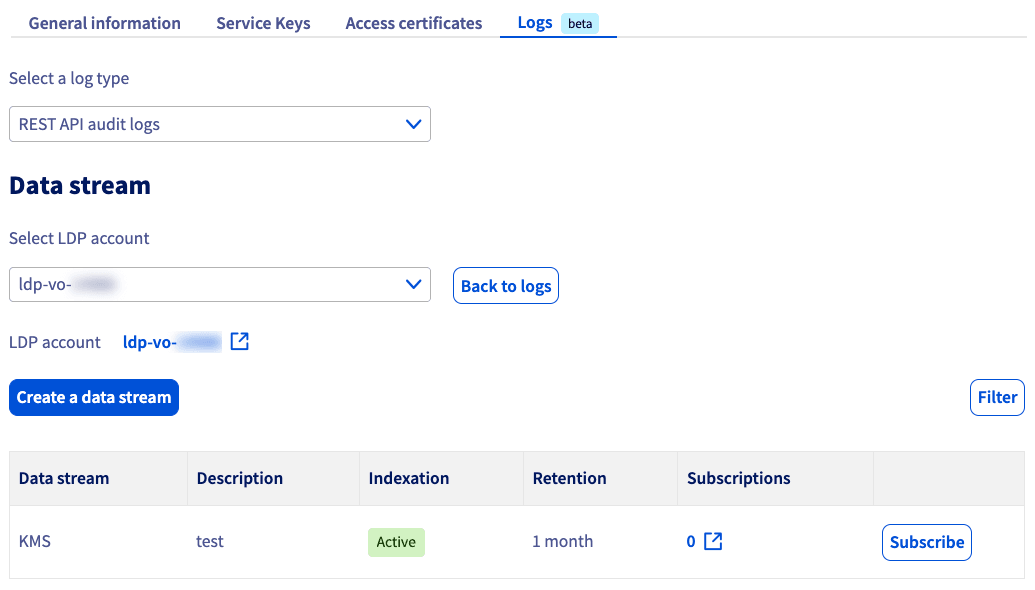
Available logs details
KMS logs contain the following information:
-
REST API
Logs are displayed with this format:
Example:
Elements that can be pushed to Logs Data Platform:
-
KMIP
Logs are displayed with this format:
Example:
Elements that can be pushed to Logs Data Platform:
Go further
Browse all the Key Management Service (KMS) guides.
Browse the rest of the OVHcloud US documentation for guides on our other products and services.
Learn more about Key Management Service on the OVHcloud US website.