
Migrating Helm Charts from Chartmuseum to OCI
The OVHcloud Managed Private Registry service provides you with a managed, authenticated Docker registry where you can privately store your Docker images and Helm charts.
Managed Private Registry is built on top of the open-source solution Harbor to guarantee its interoperability.
Harbor supports two different ways to store the Helm charts data:
- Harbor registry storage directly via OCI API.
- Harbor hosted Chartmuseum backend via Chartmuseum's API.
From Harbor version 2.6, Chartmuseum is deprecated and removed from Harbor version 2.8.
How to know if I have Helm charts stored inside Chartmuseum?
Follow the guide Connecting to the UI to connect to your registry.
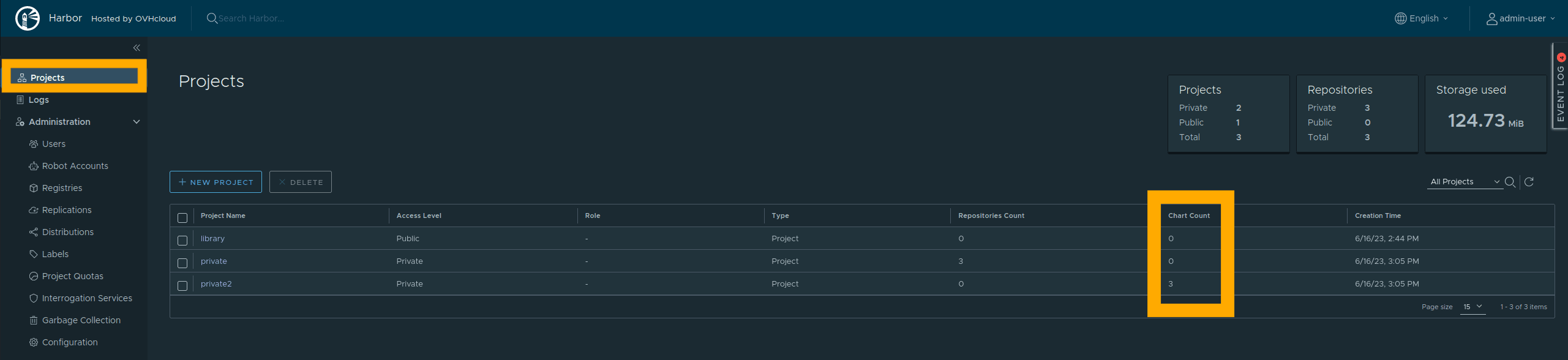
From the Harbor user interface, select the Projects menu on the left side of the screen. Check if you have Chartmuseum Helm charts in the Chart Count column.
Select the name of a project that has Chartmuseum Helm charts.
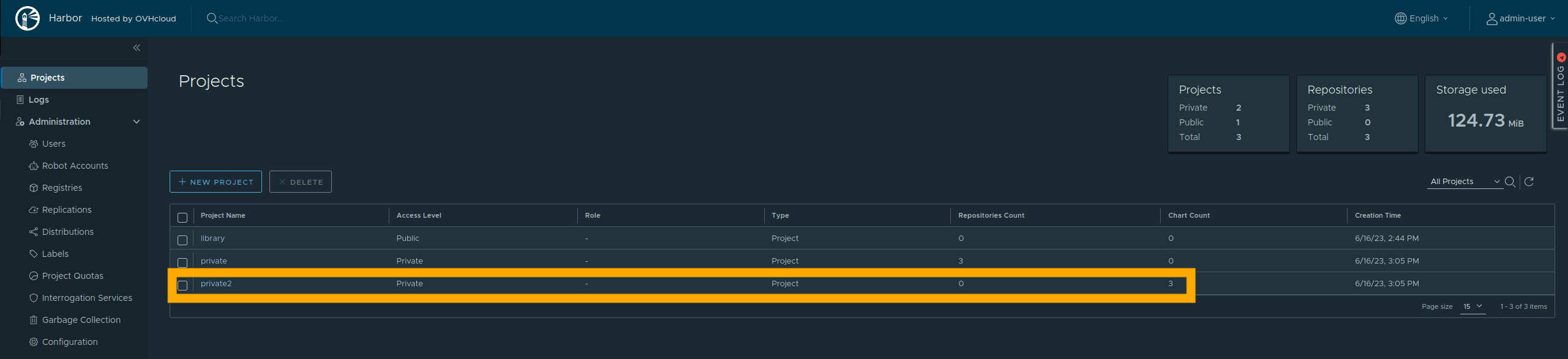
Helm charts stored in Chartmuseum are viewable in the Helm Charts tab.
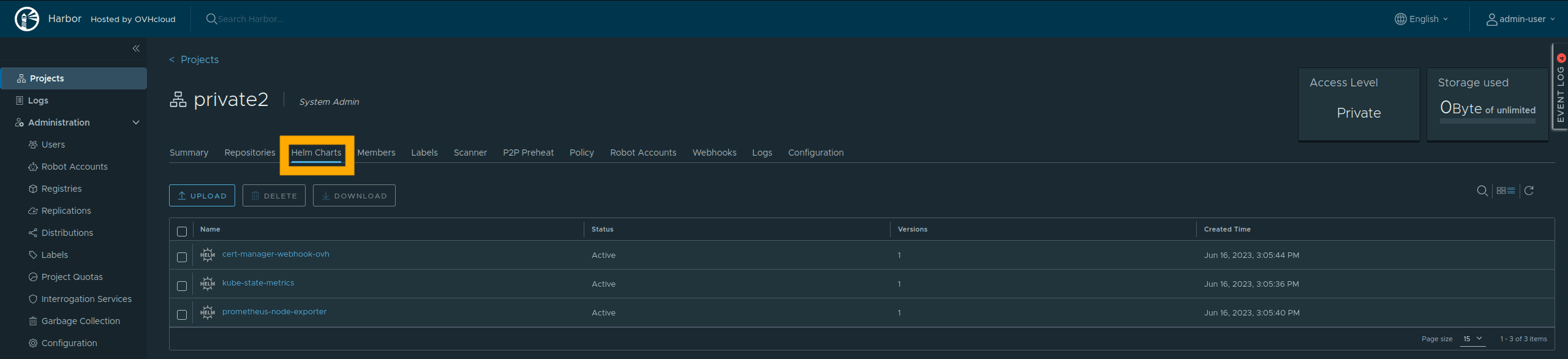
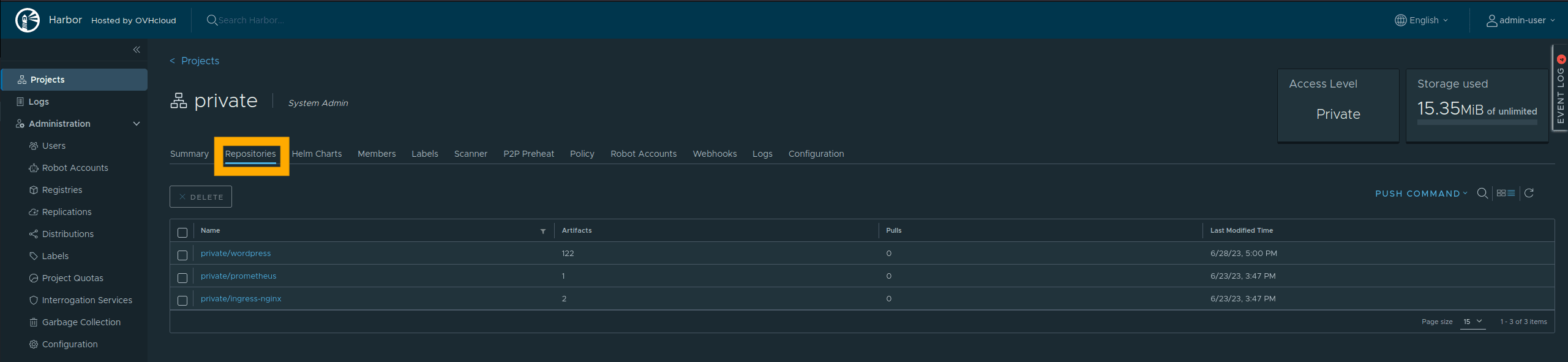
Helm charts stored in OCI are viewable in the Repository tab, like the Docker images.
Instructions
We developed a tool called chartmuseum2oci whose purpose is to migrate Helm charts from Harbor Chartmuseum to the Helm OCI registry.
Requirements
To migrate all Helm charts, you have to use an admin user or a user having at least the "developer" role on all projects.
NOTE: If the user does not have the correct rights, only the Helm Charts contained in projects accessible by the "user" role will be copied. No error will be displayed.
Then export the following variables:
Run migration
Run the following commands:
During the migration, the tool will give you the number of charts to migrate and the progression of the migration:
When migration is finished, you will see 100% progress and a confirmation that migration was successful:
Important: The tool copies Helm charts but does not delete them from Chartmuseum.
Use OCI Helm charts
To interact with Helm charts in OCI format, use Helm in version 3.8+. In order to use OCI format exclusively, use the commands below as the correct method for pushing (uploading) and pulling (downloading) images.
Login
Push
Install
Useful Links
Go further
Browse all the Managed Private Registry (MPR) guides.
Browse the rest of the OVHcloud US documentation for guides on our other products and services.
Learn more about Managed Private Registry on the OVHcloud US website.