
Managing OVHcloud orders
Learn how to find order statuses and purchase orders in the OVHcloud Control Panel.
Requirements
- access to the OVHcloud Control Panel
- at least one OVHcloud product order
Instructions
Purchase orders
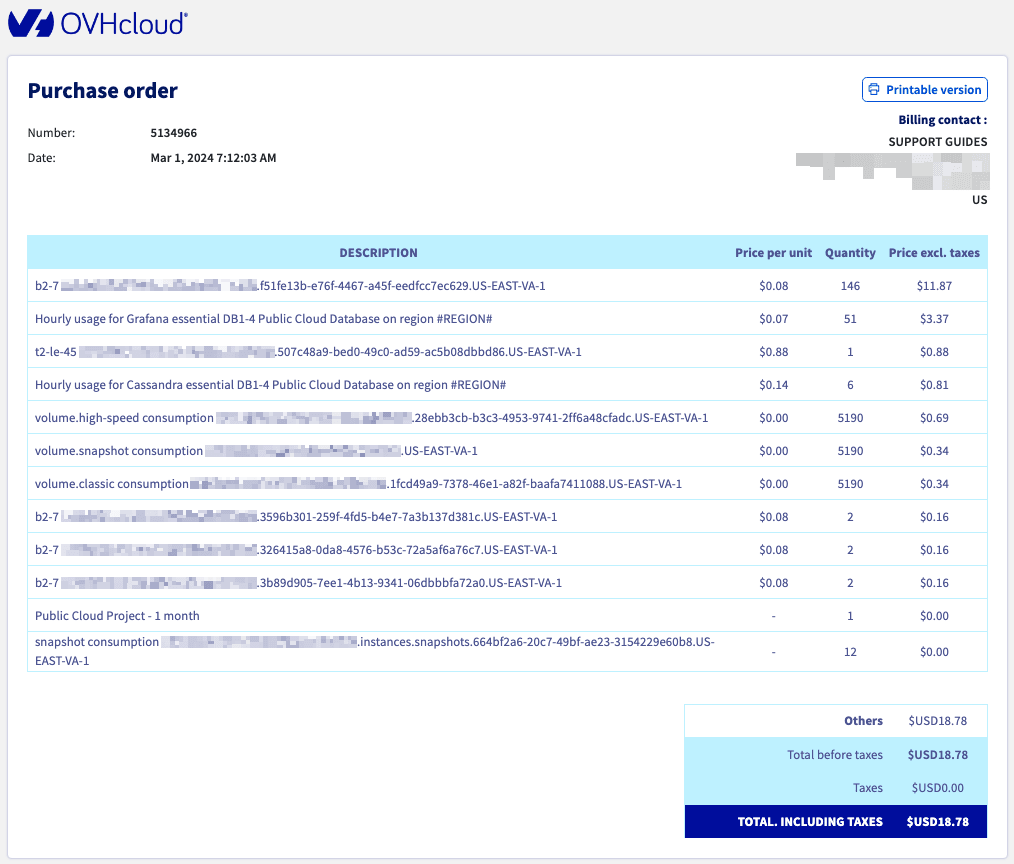
A purchase order is generated when you place an order or your services renew. It lists the products ordered, their price, and any reductions or promo offers that have been applied.
Access orders via the OVHcloud Control Panel
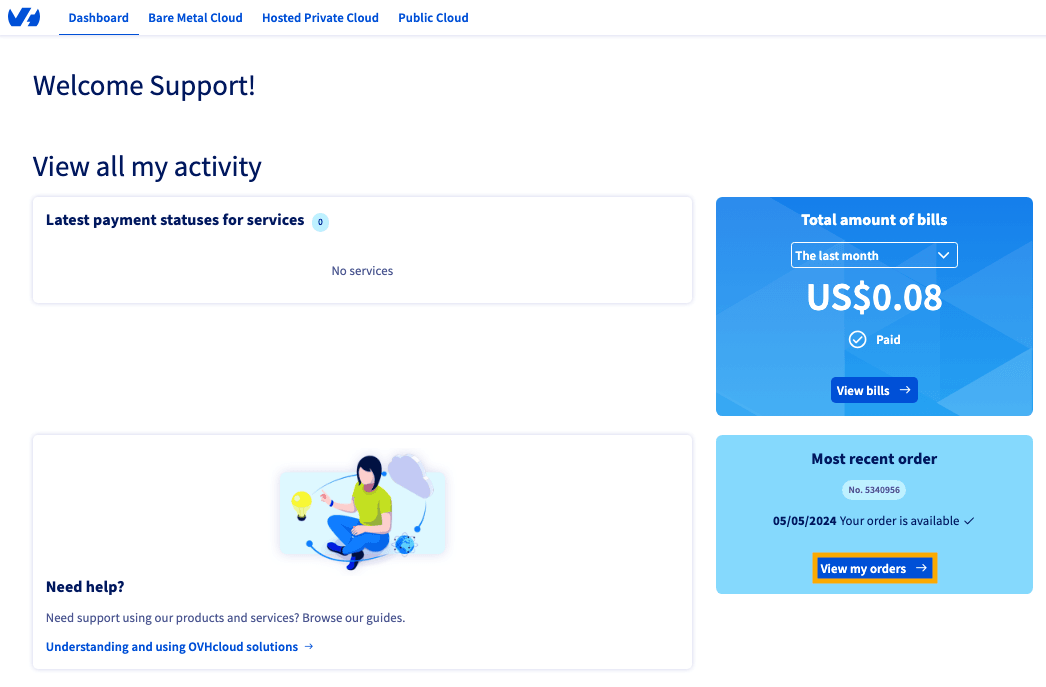
There are two ways to view your orders in the OVHcloud Control Panel: through the Dashboard or the My account page.
Click each tab across the top to view all content.
On the Dashboard page in the OVHcloud Control Panel, click View my orders ➡.
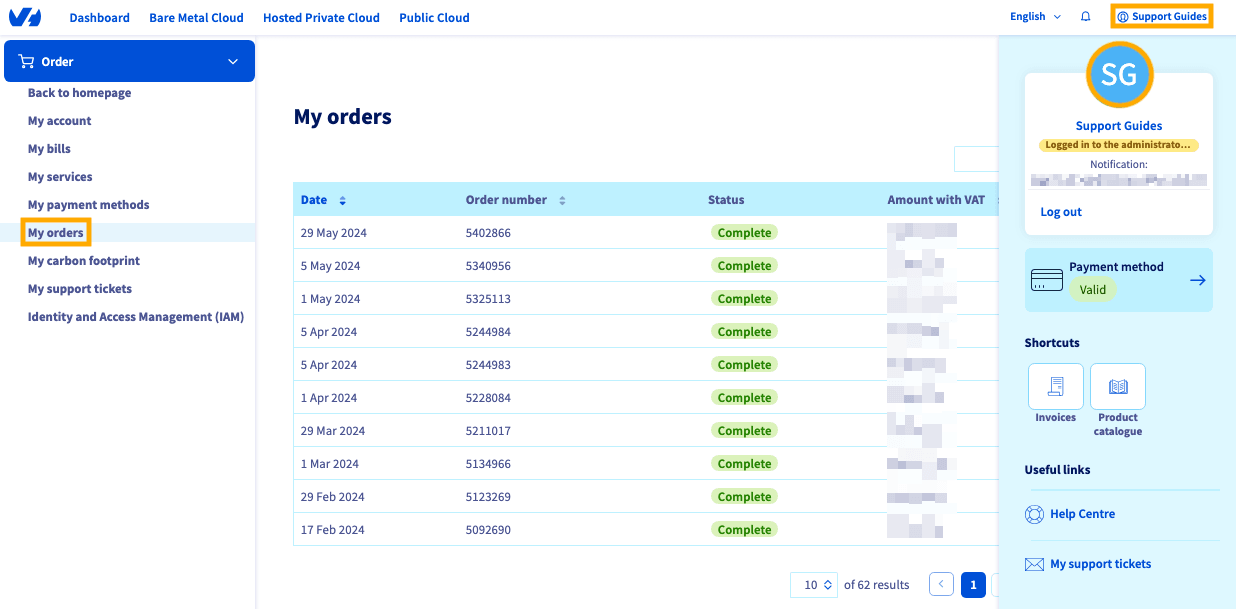
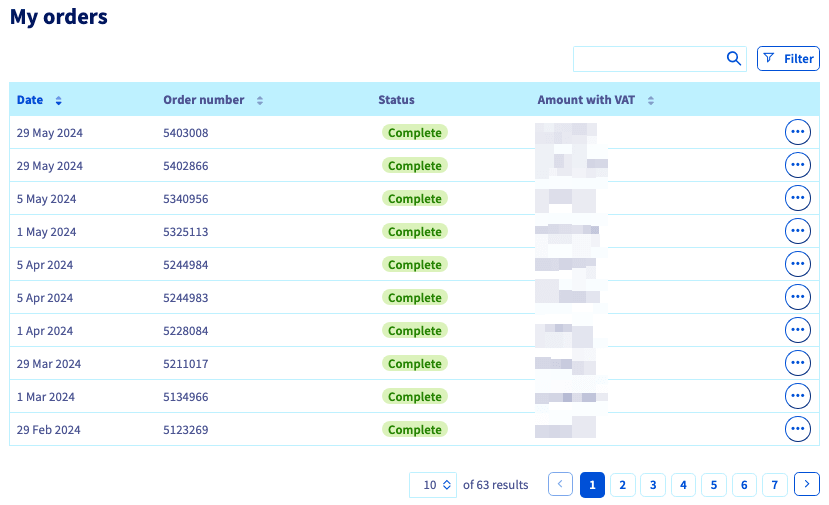
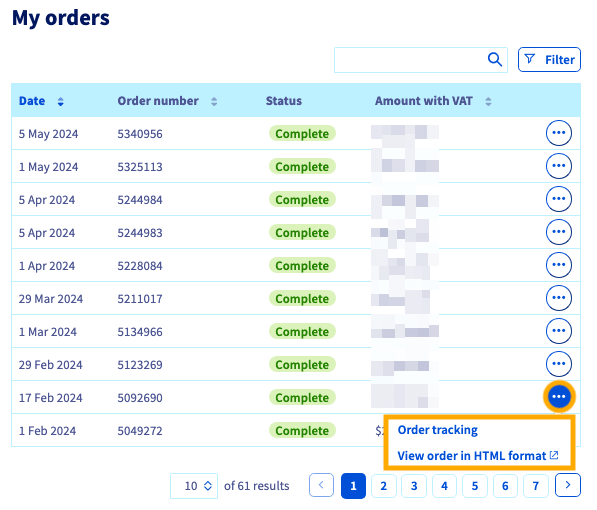
On this page is a table of your previous orders showing:
- the Date on which the order was placed,
- the Order number,
- the order Status, and
- the purchase/renewal Amount with VAT.
The various order statuses are listed below:
You can view more information about a purchase order by clicking the more options ... button to the right of the order.
This option may not be available for older orders.
Selecting View order in HTML format will open the purchase order like the one shown above.
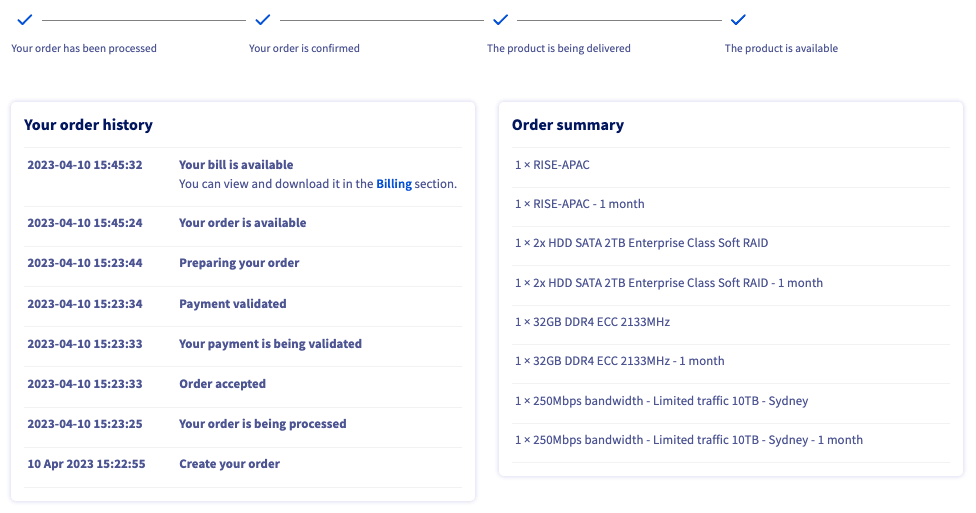
Selecting Order tracking will take you to a new screen that shows an order summary and a more detailed explanation of your order status.
Go further
Browse all the Managing billing, payments, and services guides.
Browse the rest of the OVHcloud US documentation for guides on our other products and services.