
How to Import ISO Images to Nutanix Using Prism Central
You can add ISO images to the Nutanix system for later use when installing an operating system.
This guide details how to import ISO images to Nutanix using Prism Central.
Requirements
- a Nutanix cluster in your OVHcloud account
- access to the OVHcloud Control Panel
- connection to Prism Central on the cluster
Overview of the image system in Nutanix
Images are imported files of various formats, such as ISO images, but it is also possible to import most images of existing virtual machines (vhdx, qcow2, etc.).
Images are imported from Prism Central or Prism Element. This documentation describes how to import an image from Prism Central.
You can import images from a local file or a URL link.
Instructions
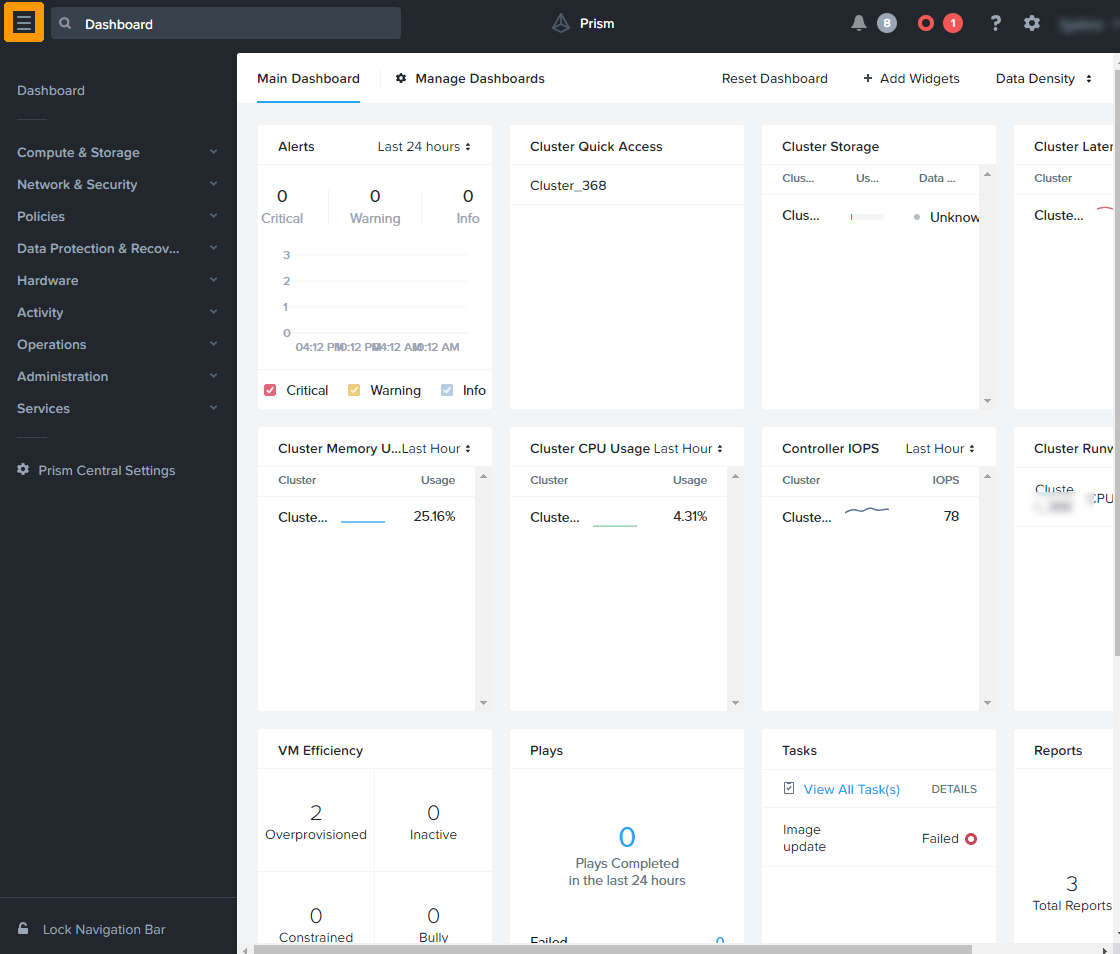
From Prism Central, open the main menu via the top left button.
Unfold Compute & Storage and click Images.
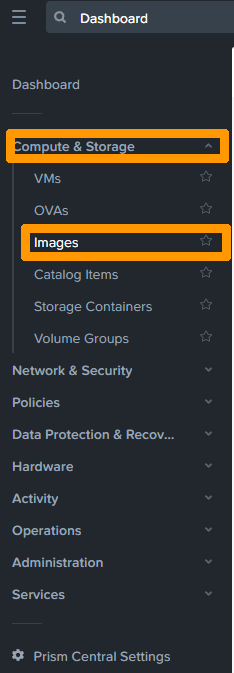 .
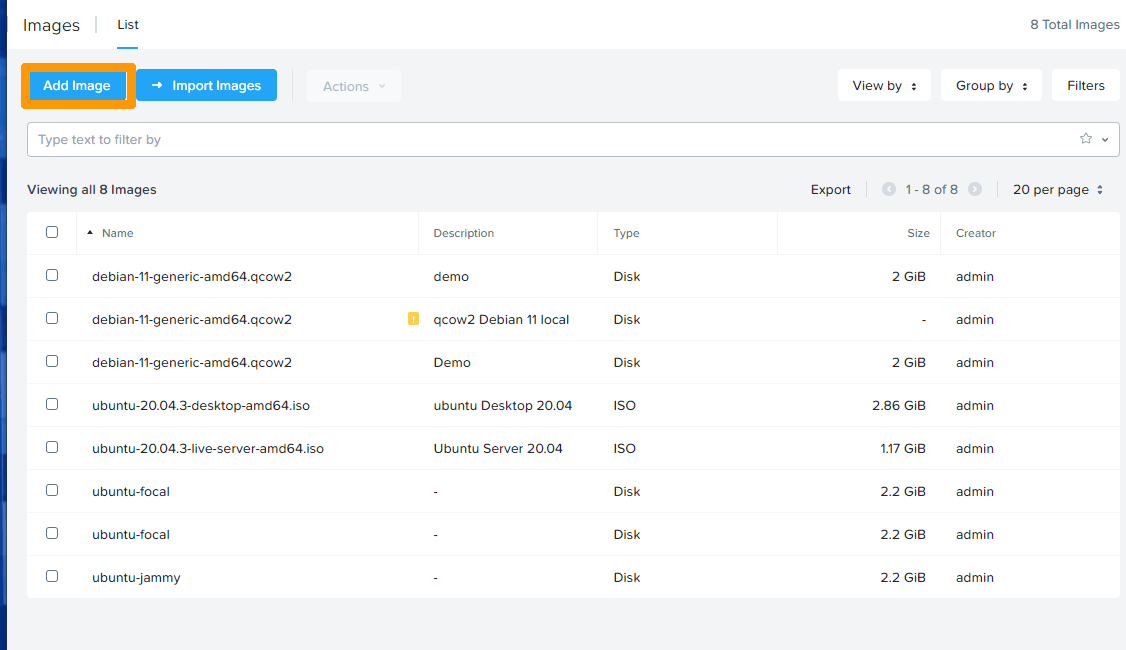
Click Add Image.
Click the Add File button.
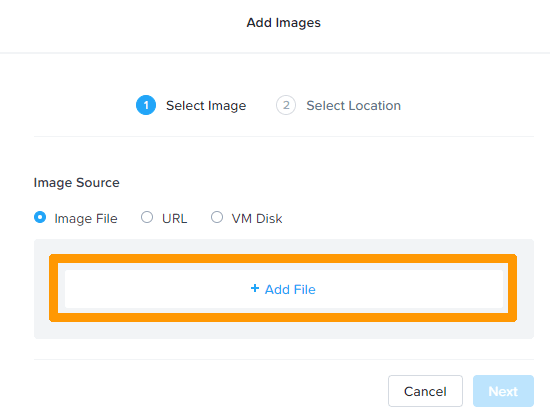
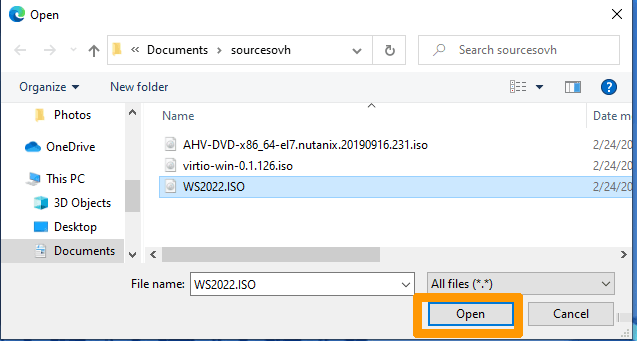
Select the image file and click Open.
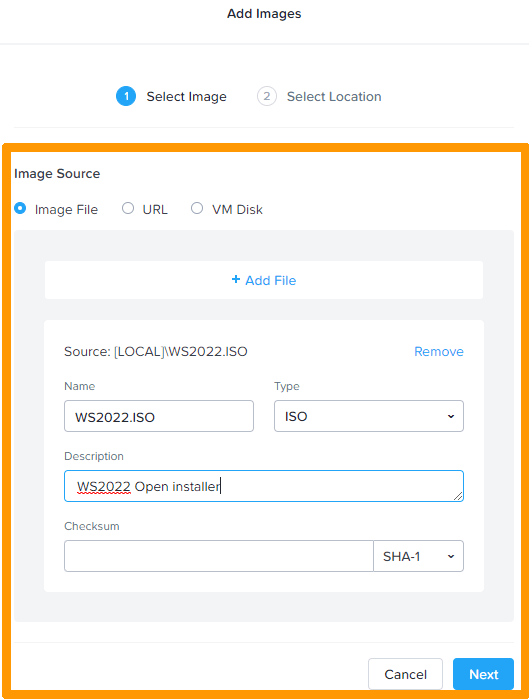
Type the file name, add a description, and then click Next.
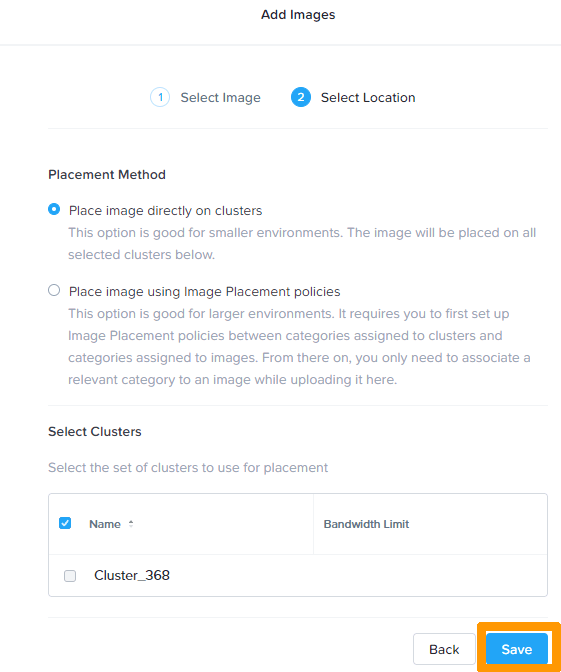
Leave the default options and click Save.
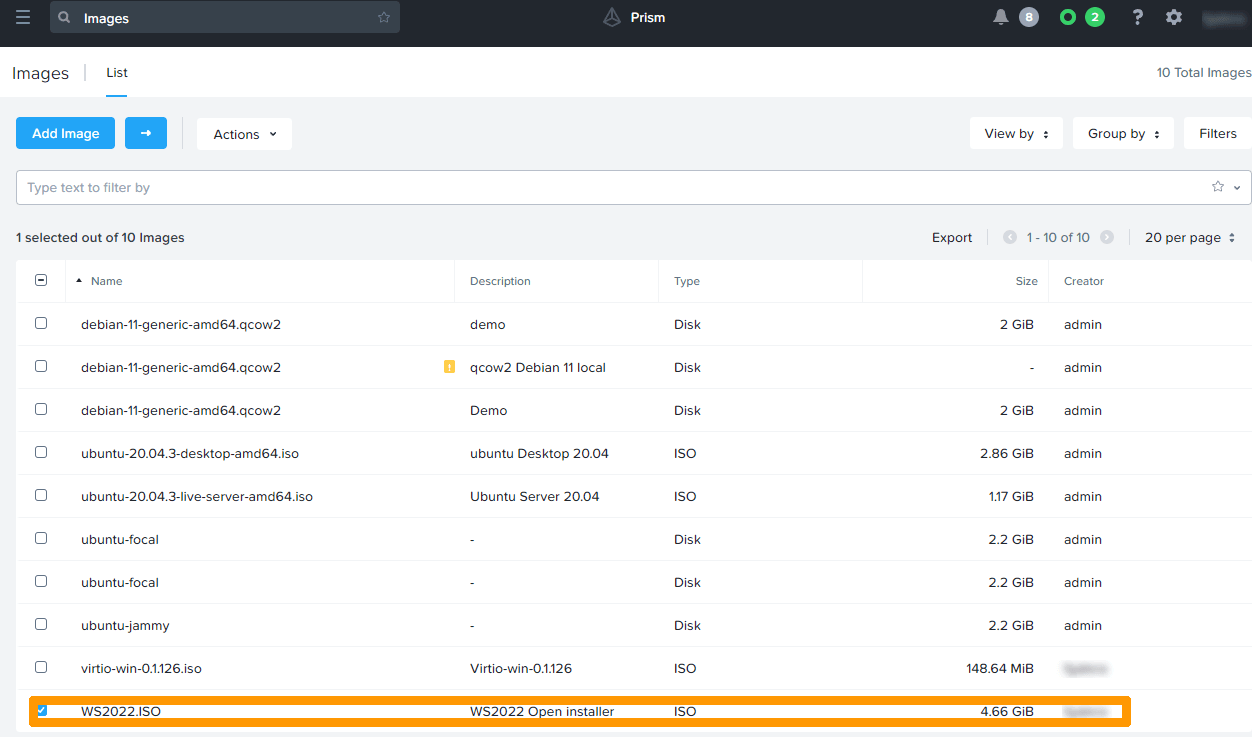
The imported image appears in the images dashboard in Prism Central.
Go further
Browse all the Nutanix guides.
Browse the rest of the OVHcloud US documentation for guides on our other products and services.
Learn more about Nutanix on OVHcloud on the OVHcloud US website.