
Getting started with Local Zones
Learn how to create your first instance in a Local Zone.
Introduction
Local Zones are an extension of Regions that bring OVHcloud services closer to specific locations, offering reduced latency and improved performance for applications. Local Zones are strategically placed in proximity to areas with high user demand. Their goals are to:
- minimize the time it takes to transfer data between the user and the cloud,
- make services faster and more responsive, and
- meet Data residency requirements.
Find more information on our dedicated Local Zone Compute page.
Available Features
Capabilities and limitations
Support for unavailable features, like Volume Snapshots or Object Storage, will be released in the next few months. Our goal is to support the entire feature set that is currently supported in global regions.
Requirements
- Access to the OVHcloud Control Panel
- A Public Cloud project
Instructions
Create an instance
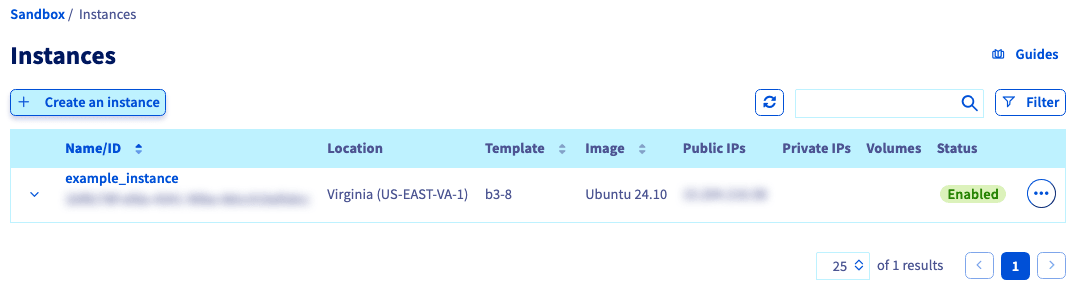
From the OVHcloud Control Panel, select your Public Cloud project and click Instances in the left-hand menu under Compute.
Click + Create an instance.
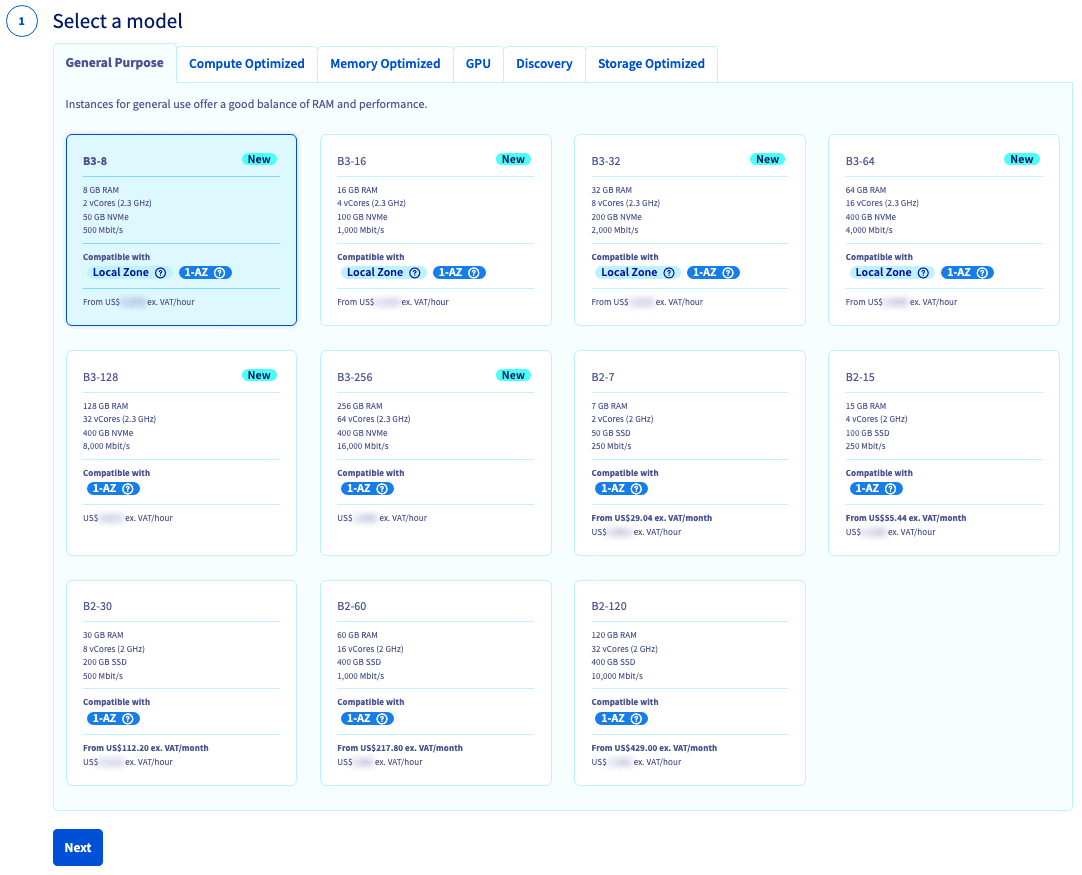
Select a model
Choose an instance model that has the Local Zone label and click Next.
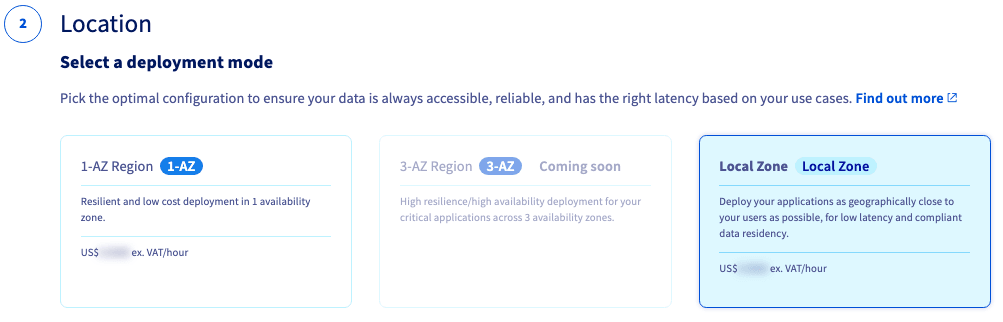
Location
(Optional) Select a deployment zone: You can choose to only filter for 1-AZ regions or Local Zone locations.
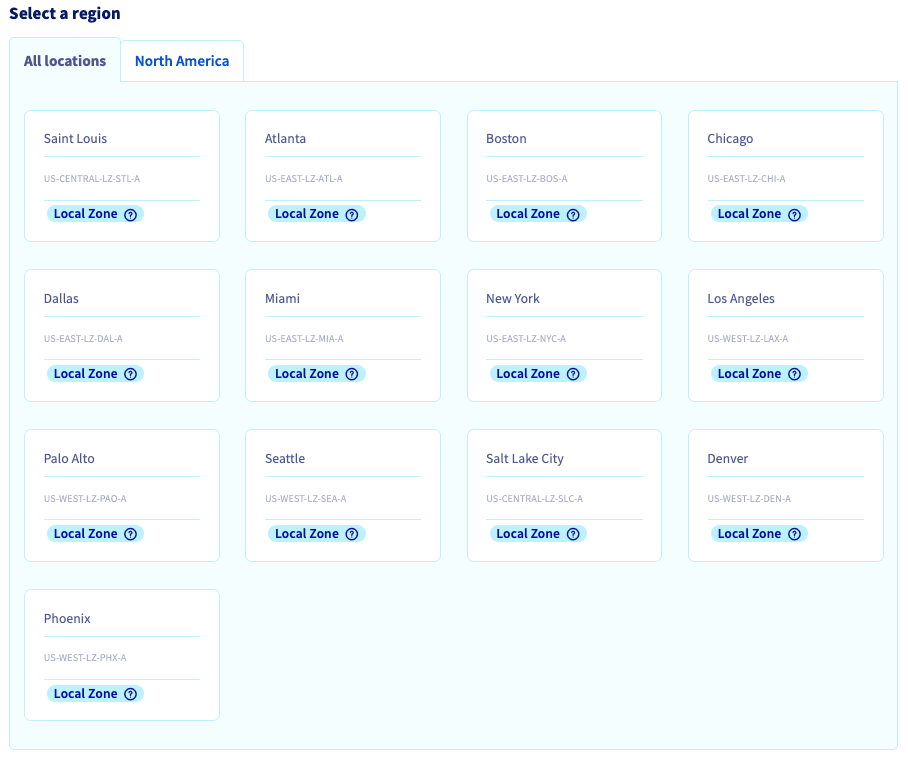
If you select a Local Zone that has not been activated on your account, clicking Next will activate it for you.
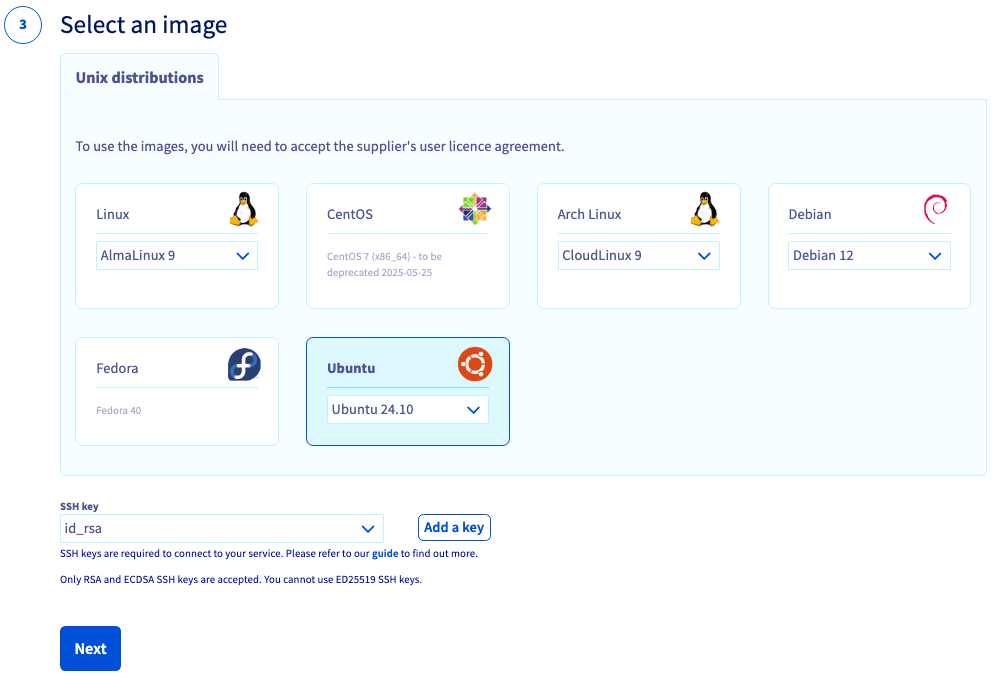
Select an image
Select an image, add an SSH key, and click Next.
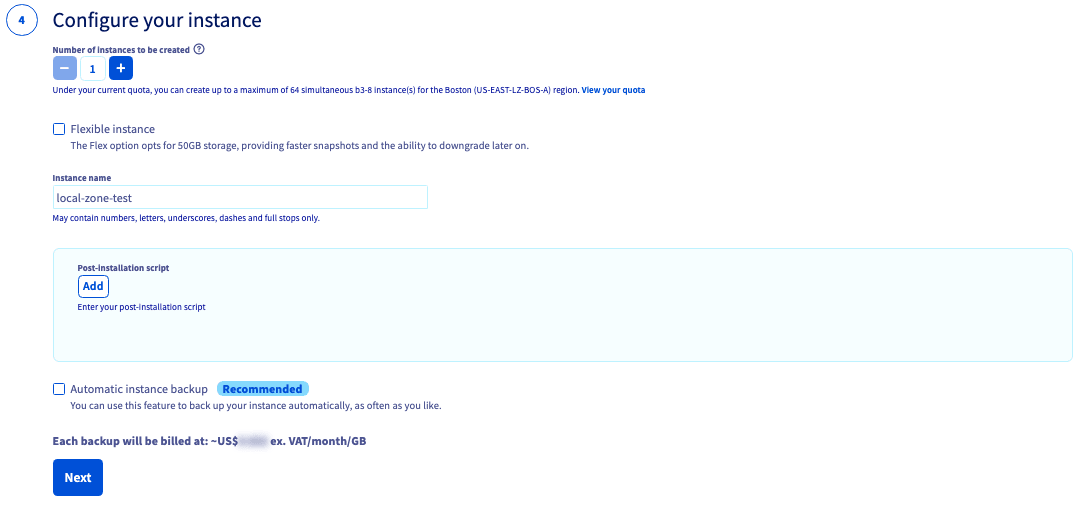
Configure your instance
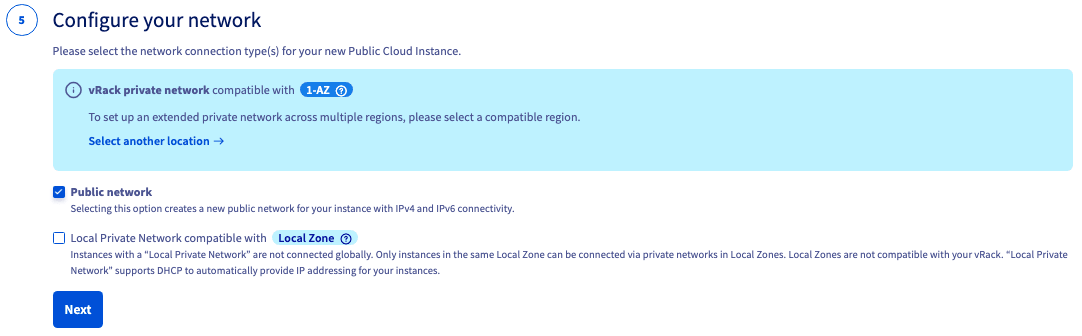
Configure your network
NOTE: If you want to connect to the Public network, you need to check ☑ the box.
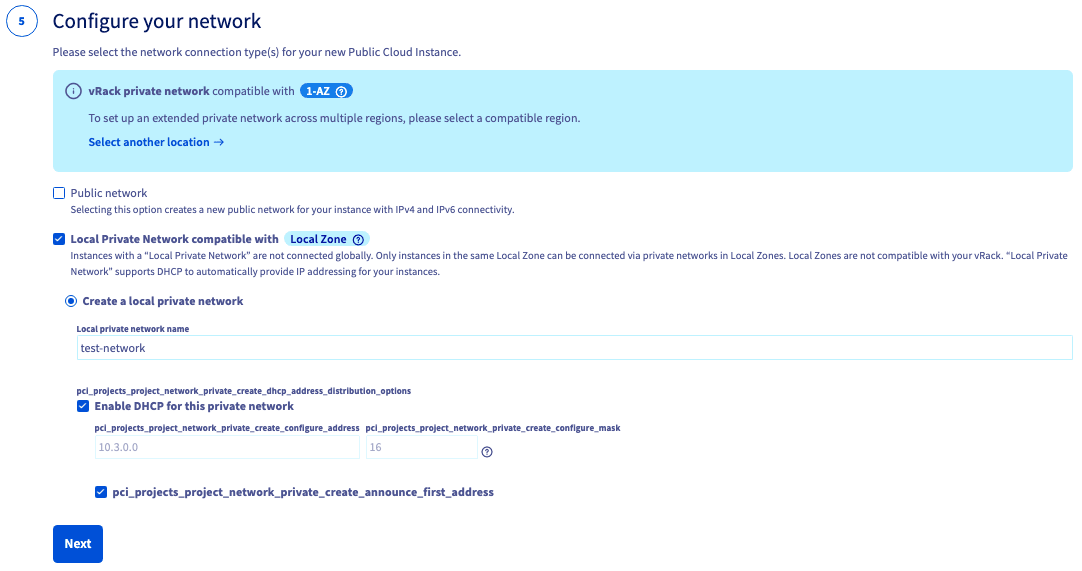
If you want to connect to a Private network (click here)
Select Local Private Network compatible with Local Zone and then Create a local private network.
Give your private network a name.
WARNING: If you choose to disable DHCP, you MUST ALSO untick the box for "Declare the first address of a CIDR given as the default gateway (DHCP option 3)." Otherwise, instances created with this private network attached will not be accessible on their public IP.
Click Next to proceed.
Select a billing period
An Hourly billing period will automatically be selected. Click Create an instance to complete your order.

Go further
Browse all the Compute guides.
Browse the rest of the OVHcloud US documentation for guides on our other products and services.
Learn more about Public Cloud Compute on the OVHcloud US website.
*S3 is a trademark filed by Amazon Technologies, Inc. OVHcloud's service is not sponsored by, endorsed by, or otherwise affiliated with Amazon Technologies, Inc.