
How to reset the administrator password on a Windows server
Learn how to reset your Administrator account password with the Windows customer rescue system.
Requirements
- Microsoft Windows installed on your dedicated server
- At least 16 GB of RAM installed on the server
- Access to the OVHcloud Control Panel
NOTE: This guide is not applicable to the legacy Windows rescue system (WinPE rescue mode); see our rescue mode guide for more information.
If your Windows Server version is out of support, you might no the able to activate the current rescue system for Windows. In this case, you can use an alternative method for resetting the administrator password using the OVHcloud customer rescue system based on Debian.
Topics
- Resetting the admin password using the OVHcloud Windows Customer Rescue System
- Resetting the admin password using OVHcloud rescue mode
Instructions
Resetting the admin password using the OVHcloud Windows Customer Rescue System
- Step 1: Reboot the server into rescue mode
- Step 2: Clear the current password
- Step 3: Reboot the server
Step 1: Reboot the server into rescue mode
The system has to be started in the Windows customer rescue system before the admin password can be changed.
For detailed instructions, please refer to the Windows rescue mode guide.
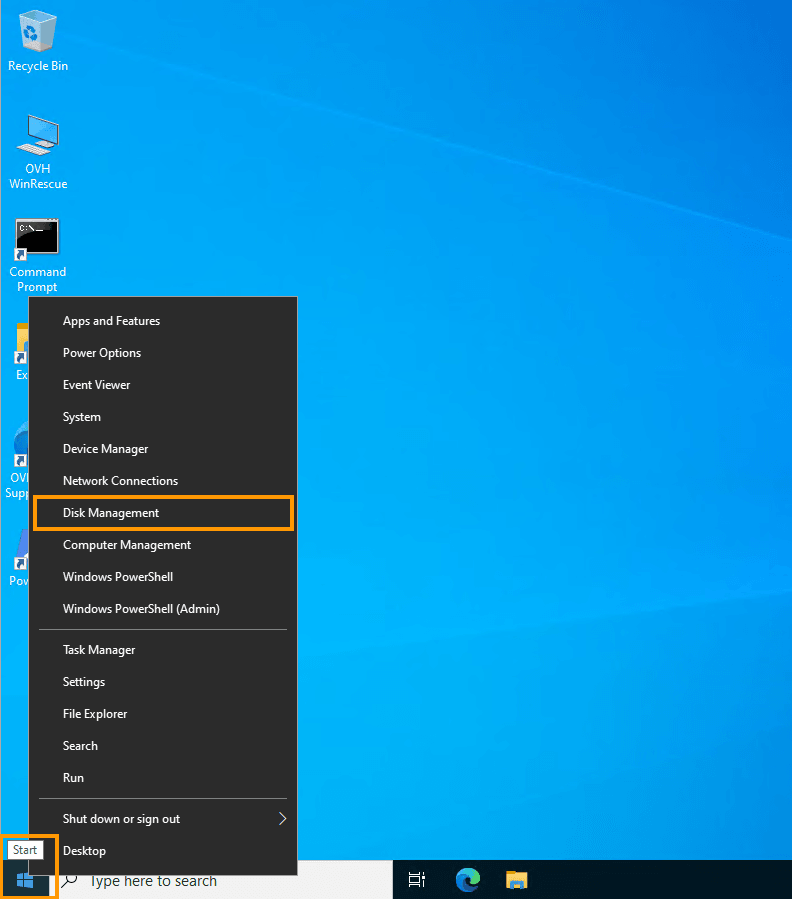
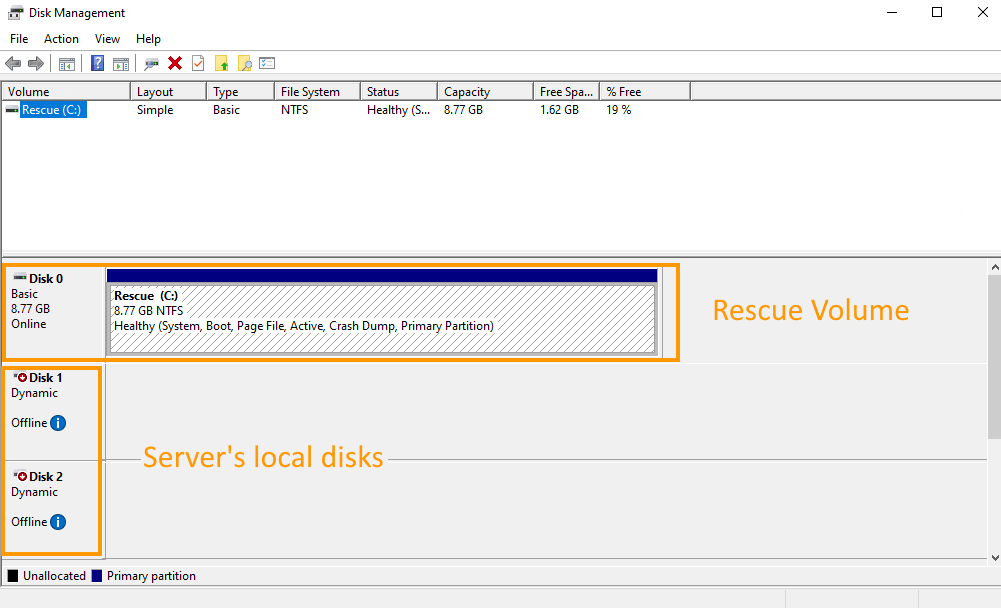
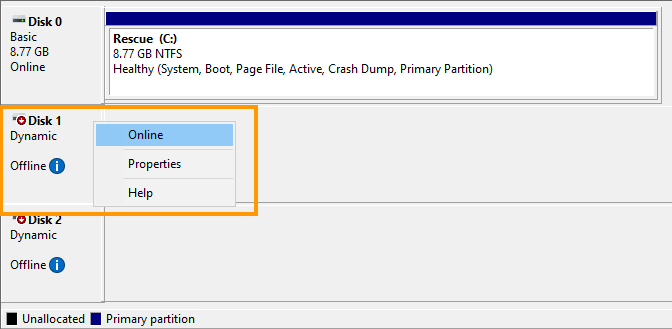
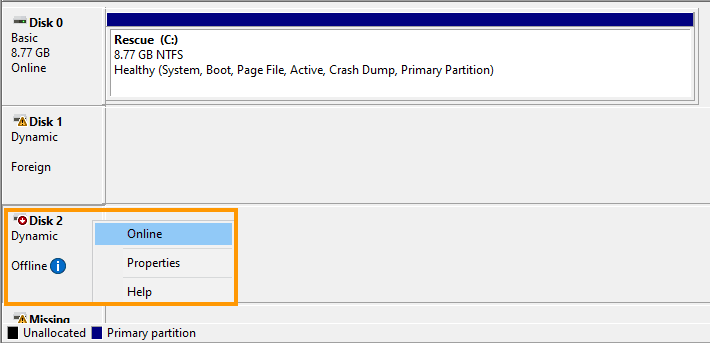
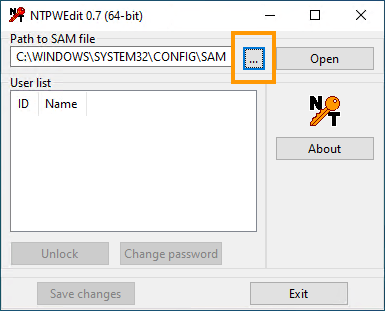
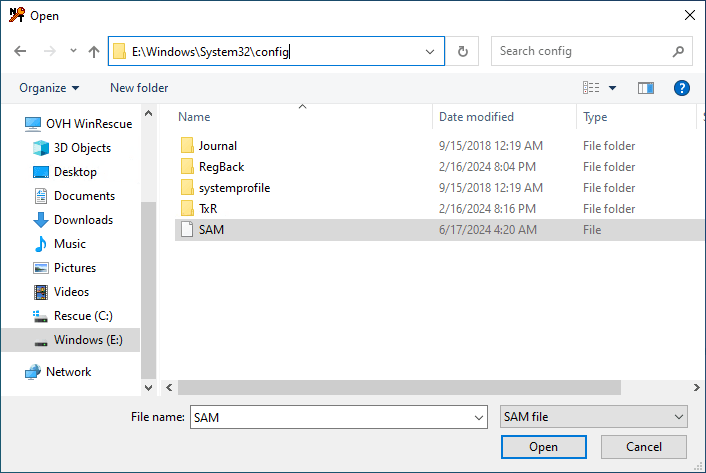
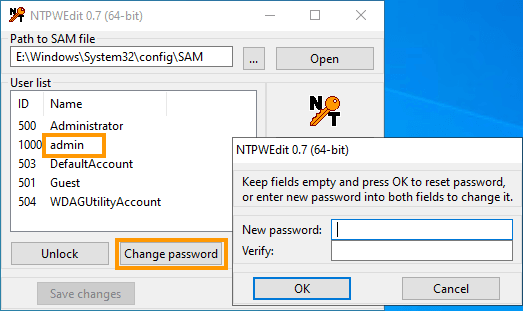
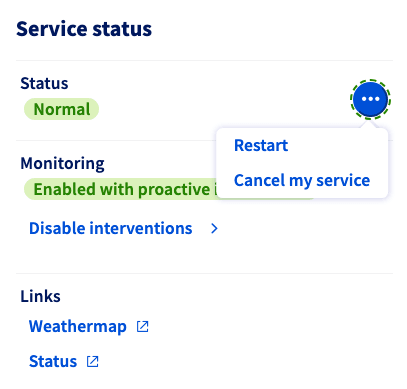
Resetting the admin password using OVHcloud rescue mode
The following steps describe the process of changing the local admin password by using the OVHcloud rescue mode (Linux-based).
- Step 1: Rebooting the server into rescue mode
- Step 2: Mounting the system partition
- Step 3: Clearing the current password
- Step 4: Rebooting the server
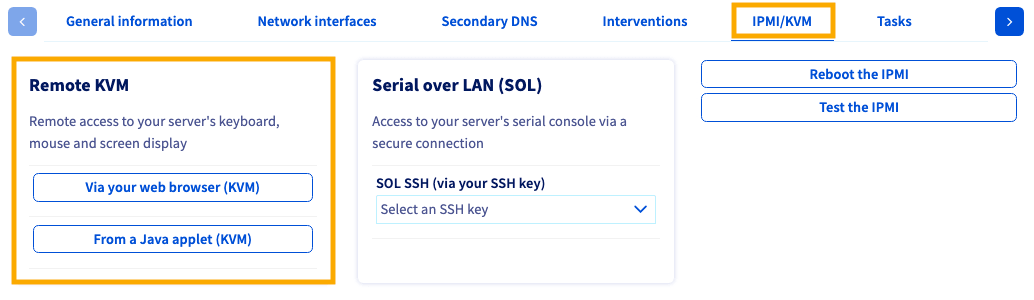
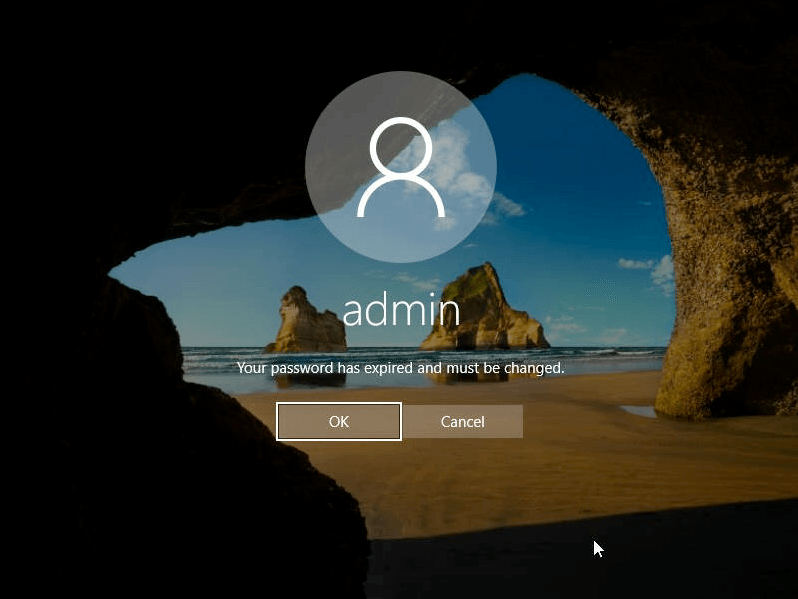
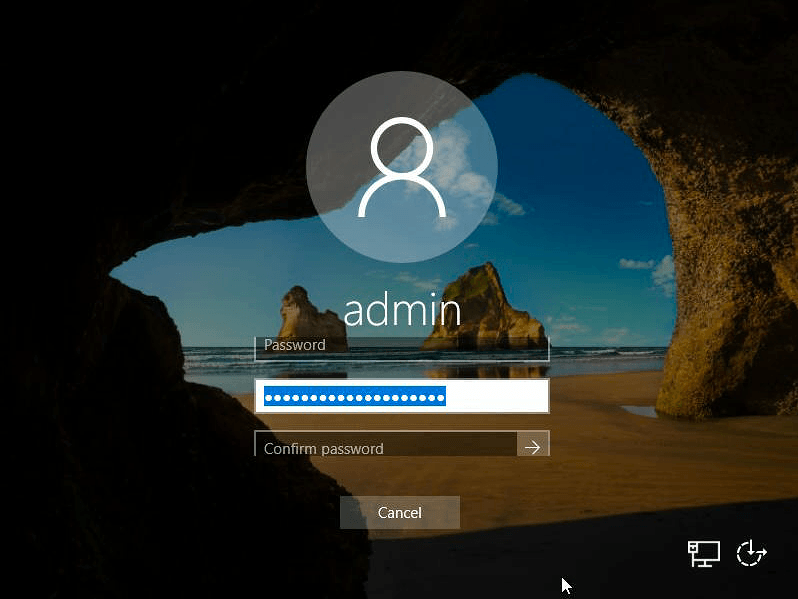
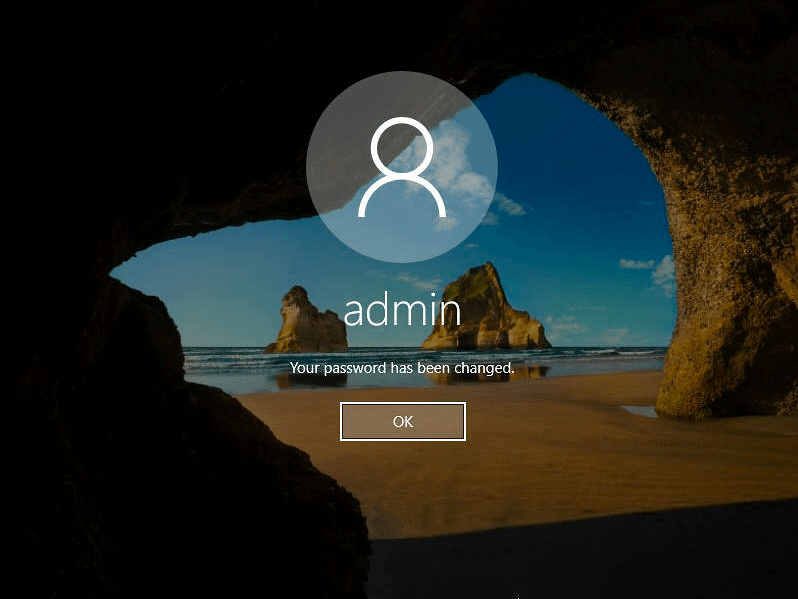
- Step 5: Setting a new password
Click each tab across the top to view all steps.
Step 1: Rebooting the server into rescue mode
The system has to be started in rescue mode before the admin password can be changed.
For detailed instructions, please refer to the rescue mode guide.
Go further
Browse all the Dedicated Servers guides.
Browse the rest of the OVHcloud US documentation for guides on our other products and services.
Learn more about Dedicated Servers on the OVHcloud US website.